How Small Businesses Can Improve Their Digital Security
Learning how small businesses can improve their digital security is often the most important investment an owner can make to keep their doors open. While many assume they are too small to be targeted by hackers, data shows that smaller firms are frequently seen as “low-hanging fruit” for automated cyber attacks.
By focusing on fundamental habits and simple software updates, you can significantly lower your risk profile. This article provides actionable steps to help you protect your customer information, financial assets, and reputation from common online threats.
Understanding the Threat Landscape for Small Firms
Many entrepreneurs operate under the false impression that cyber criminals only target major corporations with deep pockets. In reality, automated bots scan the internet constantly for any vulnerability, regardless of the size of the business.
When you learn how small businesses can improve their digital security, you realize that most attacks are not personal vendettas. They are opportunistic attempts to exploit outdated software or weak credentials.
Small businesses often lack the dedicated IT departments that larger enterprises rely on for 24/7 monitoring. This reality makes it even more critical for owners to adopt a proactive mindset.
You don’t need a massive budget to create a meaningful barrier between your data and potential intruders. Often, the difference between a secure business and a victimized one comes down to consistent maintenance and employee awareness.
The consequences of a breach go far beyond just the immediate technical headache. You could face significant downtime, loss of customer trust, and potential legal fees if you handle sensitive client data.
By recognizing that you are a target, you can move away from passive hope and toward active defense. This shift in perspective is the first step toward building a more resilient company.
Prioritizing Password Hygiene and Access Control
Weak or reused passwords remain the number one entry point for unauthorized access to business networks. If one of your employees uses the same password for their social media and your company email, a breach on one site puts your entire business at risk.
Implementing a strict policy for unique credentials is a foundational move. You should mandate that every account uses a complex, long password that is never shared or repeated.
Using a password manager is the most effective way to help your team maintain these standards without the frustration of memorizing dozens of strings of characters. These tools generate high-entropy passwords and store them in an encrypted vault, meaning your employees only need to remember one master key. Once you have this in place, you should turn on multi-factor authentication everywhere it is available.
Multi-factor authentication adds a second layer of security by requiring a code from a mobile device or an authenticator app. Even if a hacker successfully guesses a password, they will still be blocked from the account without that second factor.
This simple step stops the vast majority of automated credential-stuffing attacks. It is a low-cost, high-impact defense mechanism that every modern office should utilize.
Updating Software to Patch Vulnerabilities
Hackers frequently exploit known flaws in software that have already been fixed by the developers. When a company releases a security patch, they are essentially signaling to the world that a door was previously left unlocked.
If you delay updates, you leave that door wide open for attackers to walk through. This is why automated updates should be enabled on every machine in your office.
Operating systems, web browsers, and plugins are the most common targets for these exploits. You should audit your software regularly to ensure you are running the latest versions of everything.
If you are using legacy software that is no longer supported by the vendor, it is time to migrate to a modern alternative. Using an unsupported system is essentially inviting intruders to compromise your network.
Consider the following table to understand the importance of keeping your digital assets current:
| Software Category | Risk Level if Outdated | Recommended Action |
|---|---|---|
| Operating Systems | Critical | Enable Auto-Updates |
| Web Browsers | High | Restart Weekly |
| Accounting Software | High | Cloud-based Subscription |
| Network Routers | Medium | Firmware Check Monthly |
Training Employees as Your First Line of Defense
Your staff members are often the most vulnerable point in your security chain, but they can also be your strongest asset. Phishing emails, which trick users into clicking malicious links or revealing sensitive details, rely on human error rather than technical exploits.
Regular training sessions help your team recognize the signs of a suspicious message. You should encourage an environment where employees feel comfortable reporting potential issues without fear of punishment.
Create a culture where security is a shared responsibility rather than a burden placed solely on the IT person. When an employee receives an unexpected email with an attachment or a link that seems off, they should know exactly who to contact.
A simple verification process, such as a quick phone call to a manager, can prevent a catastrophic ransomware infection. Educating your team on the basics of digital safety is one of the most effective ways to improve your posture.
You might consider creating a standard operating procedure for handling incoming communications. This list of red flags can help your team avoid common traps:
- Emails that create a false sense of urgency or threat of account closure.
- Requests for sensitive information, such as social security numbers or passwords, via email.
- Grammatical errors or mismatched sender email addresses that look suspicious.
- Unexpected attachments, especially those in compressed or unusual file formats.
Securing Your Network and Wi-Fi Connections
The network you use to run your business is the backbone of your operations. If you are still using the default password that came on the bottom of your router, you are essentially broadcasting your data to anyone nearby.
Change the administrative password immediately and ensure your Wi-Fi is using WPA3 or at least WPA2 encryption. You should also create a separate “Guest” network for visitors to keep them isolated from your internal business traffic.
This segregation ensures that if a visitor’s device is infected with malware, it cannot easily jump to your primary company computers or servers. If you have employees working remotely, you must require them to connect to your business resources through a Virtual Private Network. A VPN encrypts the traffic between their machine and your office, protecting data even when they are using public Wi-Fi at a coffee shop.
You can find more detailed guidance on protecting your business systems through the Federal Trade Commission’s cybersecurity resources. These tools provide a clear framework for assessing your current risks.
By following these guidelines, you can build a more secure perimeter around your digital assets. Remember that network security is not a one-time setup; it requires periodic reviews to ensure settings haven’t been changed.
Implementing Regular Data Backups
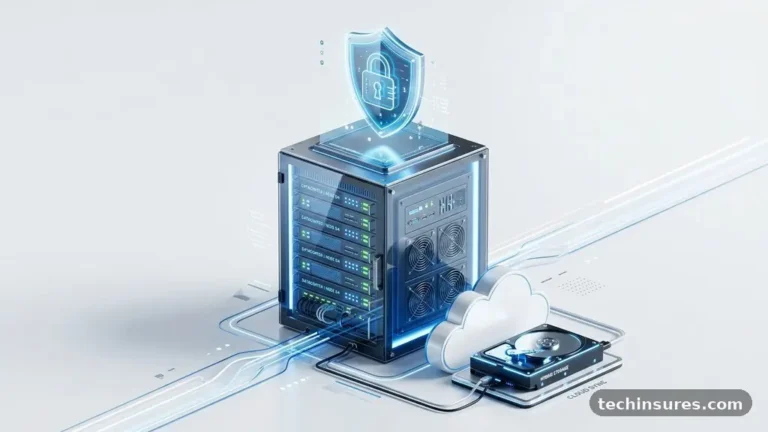
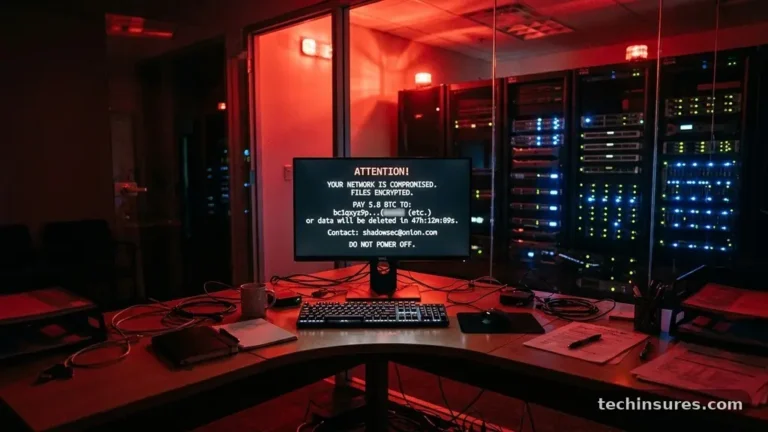
Ransomware attacks are designed to lock you out of your own data until you pay a fee. If you have a clean, offline, or cloud-based backup, you can restore your systems without ever having to negotiate with criminals.
The rule of thumb is the 3-2-1 strategy: keep three copies of your data, on two different types of media, with one copy stored off-site. Cloud storage services make this much easier for small businesses today than it was in the past.
Automate your backups so they run in the background without needing manual intervention. If you rely on a human to remember to plug in a hard drive, that process will eventually fail.
Test your restoration process at least once or twice a year to ensure your data is actually usable. There is nothing worse than discovering your backup files are corrupted only after you have been hit by a disaster.
Encrypted backups are especially important if you are storing sensitive client information. If the drive or cloud account is compromised, the encryption ensures the data remains unreadable to the attacker.
While it might seem like a technical chore, the peace of mind provided by a reliable backup is invaluable. It transforms a potential business-ending event into a simple, albeit annoying, recovery task.
Planning for the Unexpected
Even with the best precautions, you must have a plan for when things go wrong. A formal incident response plan outlines exactly what steps your team should take if a breach is detected.
This document should include contact information for your IT support, your legal advisor, and your insurance provider. When you are in the middle of a cyber crisis, you do not want to be scrambling to figure out who to call.
Think about the specific data you hold and the regulations that apply to your industry. If you process credit card payments, you likely have obligations under PCI-DSS standards.
If you handle health records, HIPAA compliance is mandatory. Knowing your legal requirements helps you prioritize which areas of your business need the most protection.
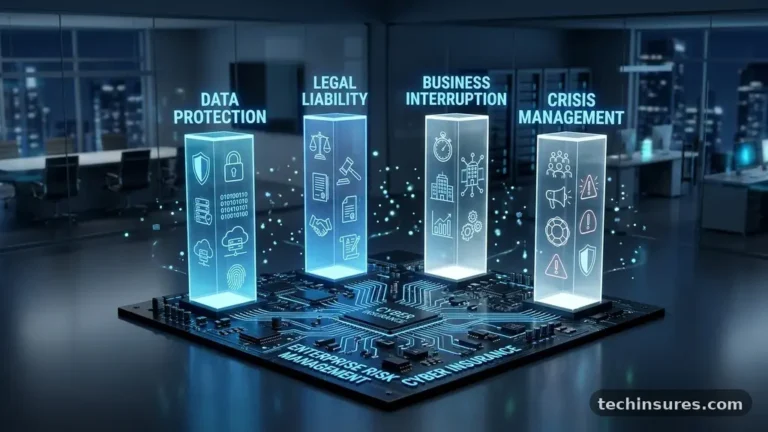
Review your insurance policies to see if they cover cyber incidents. Many general liability policies do not, so you may need a specific rider or a standalone cyber insurance plan.
This type of coverage can help pay for the cost of forensic investigations, legal notifications, and reputation management. Having this safety net in place allows you to focus on resolving the issue rather than worrying about the immediate financial survival of your firm.
Frequently Asked Questions
What is the most effective way to start securing my business?
The most effective starting point is enabling multi-factor authentication on all your critical accounts. It provides the highest level of protection for the lowest amount of effort and cost.
Do I need to hire an IT expert to stay safe?
While professional help is valuable, you can achieve a high level of security by following basic best practices like updating software and training employees. If your business handles highly sensitive data, consulting a specialist is a smart move.
Are cloud services safer than storing data on my own servers?
In many cases, yes. Major cloud providers invest billions in security infrastructure that would be impossible for a small business to replicate on their own. However, you must still manage your own access controls and passwords.
How often should we change our passwords?
Modern security standards suggest that you only need to change passwords if you suspect a breach. Instead of frequent rotations, focus on ensuring every account has a unique, long, and complex password that is stored in a manager.
What should I do if I suspect a cyber attack?
Disconnect the affected devices from the internet immediately to prevent the spread of malware. Contact your IT support provider or a security professional to begin the investigation and follow your incident response plan.
Ensuring Long-Term Digital Resilience
Learning how small businesses can improve their digital security is a journey of continuous improvement rather than a destination. As technology evolves, so do the methods used by those looking to exploit it. By maintaining a disciplined approach to your software, your access protocols, and your team’s training, you create a culture of safety that protects your hard work.
Start by implementing the most critical changes today, such as enabling multi-factor authentication and setting up automated backups. Once those are in place, gradually refine your policies to address more complex areas of your infrastructure.
Your commitment to these habits will pay dividends in the form of stability and trust. Reach out to your team and start a conversation about these practices to ensure everyone is pulling in the same direction.