
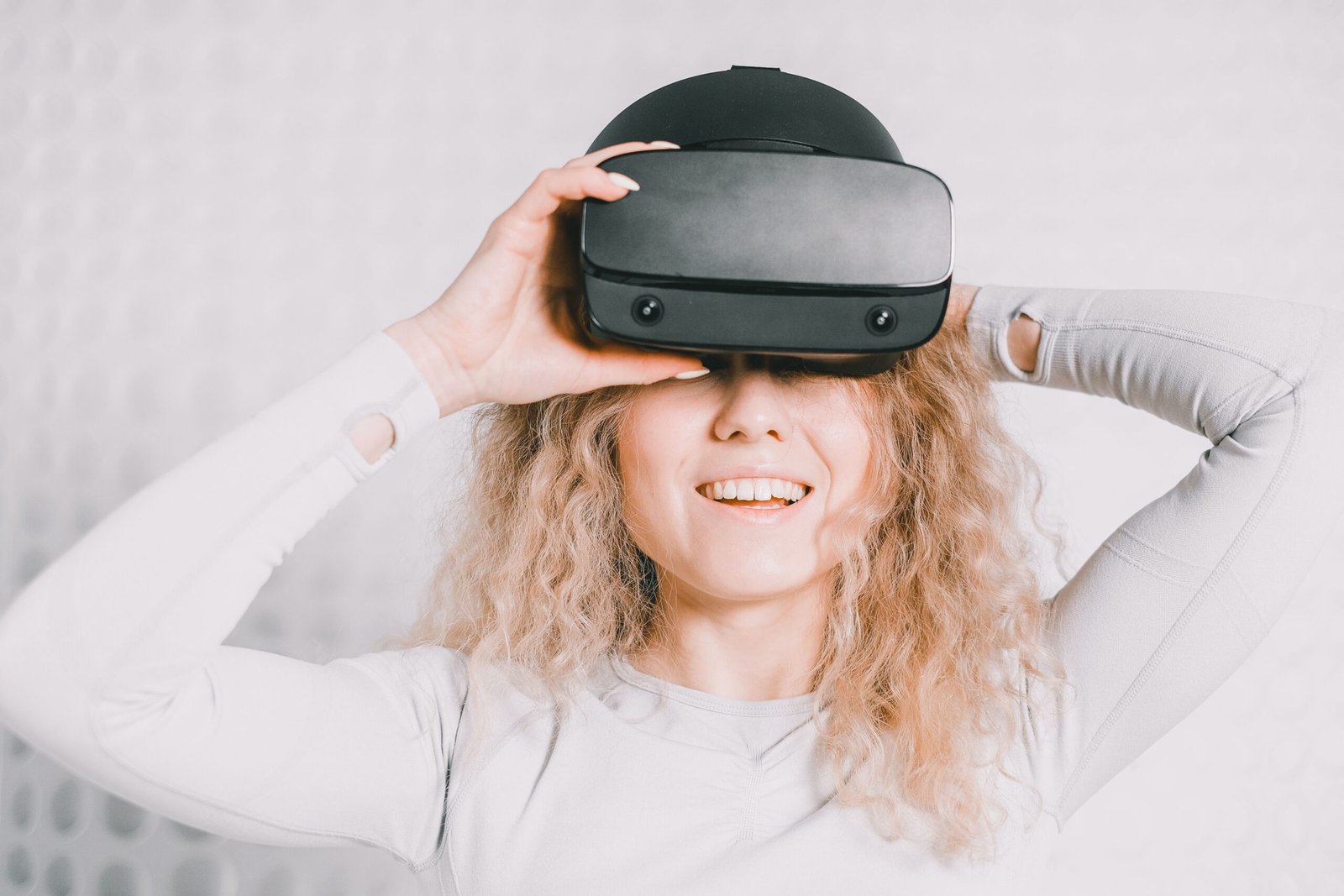
A virtual reality headset can take you from your living room to the top of a mountain, the surface of the Moon, or a meeting room on the other side of the world in seconds. You put on the headset, the real world disappears, and a computer-made world takes its place. That is the simple idea behind virtual reality, and in 2026 it is no longer a science-fiction dream. Headsets are lighter, cheaper, and easier to use than they were just a few years ago, and millions of people now use them for games, exercise, learning, and work.
This guide explains virtual reality in plain English. You will learn what VR is, how a virtual reality headset works, what you can actually do with one, how much it costs, and whether VR is safe. You do not need any technical knowledge to follow along, and by the end you will know enough to decide whether a headset is worth buying for you or your family.
What Is Virtual Reality?
Virtual reality, usually shortened to VR, is a computer-made world that you can see, hear, and move around in as if you were really there. A headset covers your eyes and shows you a different place on two small screens, one for each eye. Headphones add sound from every direction, and sensors track the movement of your head and hands, so when you turn to look at something, the virtual world turns with you. Your brain is very good at accepting what your eyes and ears tell it, so the experience can feel surprisingly real, even though you know you are standing in your own room.
VR is different from watching a video on a screen. A video is flat, and you watch it from the outside. In VR, you are inside the picture. You can walk around a virtual room, pick up virtual objects, look over a cliff edge, or duck under a flying ball. That feeling of being inside the experience is called presence, and it is what makes VR special. It is also why a simple game in VR can feel more exciting than the same game on a television, and why a VR lesson about the human heart can be easier to remember than a page in a textbook.
Virtual reality is not new. Scientists and engineers experimented with headsets in the 1960s and 1990s, but those early devices were heavy, expensive, and made many people feel sick. What changed is the technology inside modern phones: small, sharp screens, fast chips, and accurate motion sensors became cheap and reliable. In the last few years, companies have turned those parts into headsets that cost a few hundred dollars instead of thousands, work without wires, and can be used by anyone in minutes.
How Does a Virtual Reality Headset Work?
A virtual reality headset works by fooling your senses in a careful, coordinated way. The most important trick is that it shows a slightly different image to each eye. In real life, your two eyes see the world from slightly different positions, and your brain uses that difference to judge distance and depth. A VR headset copies that effect, so a virtual object can look close enough to touch or far away on the horizon. Lenses inside the headset bend the light from the screens so the image looks sharp even though the screens are only a few centimetres from your eyes.
The second trick is tracking. Cameras and sensors on the headset watch your head, and small controllers in your hands are tracked too. When you move, the headset updates the picture almost instantly, usually more than 70 times every second. If there were a delay, your brain would notice that the world was not moving with you, and you would feel dizzy. Modern headsets keep that delay very short, which is one reason they are much more comfortable than the early headsets that made people feel ill.
Inside most modern standalone headsets you will find the same main parts working together:
- Two displays or one split display: one image for each eye, creating the sense of depth.
- Lenses: focus the screens so they look clear and fill your field of view.
- Tracking cameras: watch your room and your hands, so the headset knows where you are.
- A processor and battery: run the apps and games without a computer or cables.
- Speakers or headphones: play spatial sound that changes as you turn your head.
- Controllers: let you grab, point, and press buttons inside the virtual world.
Some headsets still connect to a powerful gaming computer for the best graphics, but most beginners start with a standalone headset. It has everything built in, you can use it anywhere, and you do not need to buy a computer as well. That is the biggest reason VR has become popular with ordinary families, not just gamers and researchers.
What Can You Do in VR?
Games are still the most popular use of VR, and for good reason. Instead of pressing a button to swing a sword, you swing your arm. Instead of watching a racing car on a screen, you sit in the driver’s seat and look around the track. There are VR games for almost every taste, from gentle puzzle games and painting apps to fast sports games and full adventure stories. Many of them also make you move your whole body, which turns a gaming session into light exercise without it feeling like a workout.
Fitness is one of the fastest-growing uses of virtual reality. Boxing, dancing, and rhythm games ask you to punch, dodge, and step in time with music, and people who find the gym boring often stick with VR workouts for months. There are also guided meditation and relaxation apps that place you on a quiet beach or in a forest, which some people find easier than meditating in a noisy house. It is not a replacement for real exercise or fresh air, but it is a fun way to move more on days when going out is difficult.
Beyond games, VR is used for learning and work. Students can walk through a model of the solar system, visit a museum in another country, or practise a science experiment that would be too dangerous or expensive in real life. Surgeons and pilots train in VR before they work on real people or fly real planes. Office workers meet in virtual rooms, share a whiteboard, and review a 3D model of a building together, even when they live in different cities. VR is also used to fly drones in first-person view, where the pilot sees what the drone’s camera sees, as if they were sitting on the drone itself.
Social VR is another growing area. People meet friends as avatars, watch films together, attend concerts, and play board games in virtual living rooms. It is not the same as meeting in person, but for friends and family who live far apart, it can feel much closer than a video call, because you share a space and can move around together instead of staring at a small rectangle on a screen.
Types of VR Headsets
There are three main types of VR headset, and the differences matter when you are choosing one. Standalone headsets, such as the Meta Quest range, have the computer built in. They are wireless, easy to set up, and the best choice for most beginners. You charge them like a phone, put them on, and start playing. The graphics are not as detailed as a high-end gaming computer, but they are good enough for most games and apps, and the freedom of having no wires is hard to give up once you have tried it.
PC-connected headsets plug into a powerful gaming computer with a cable or a wireless link. They can show much more detailed worlds, with better lighting, larger scenes, and smoother graphics. They are the right choice if you already own a strong gaming PC and you want the best-looking VR games, or if you need VR for professional work such as design and engineering. The downside is cost: you need both the headset and the computer, and setting everything up takes more time.
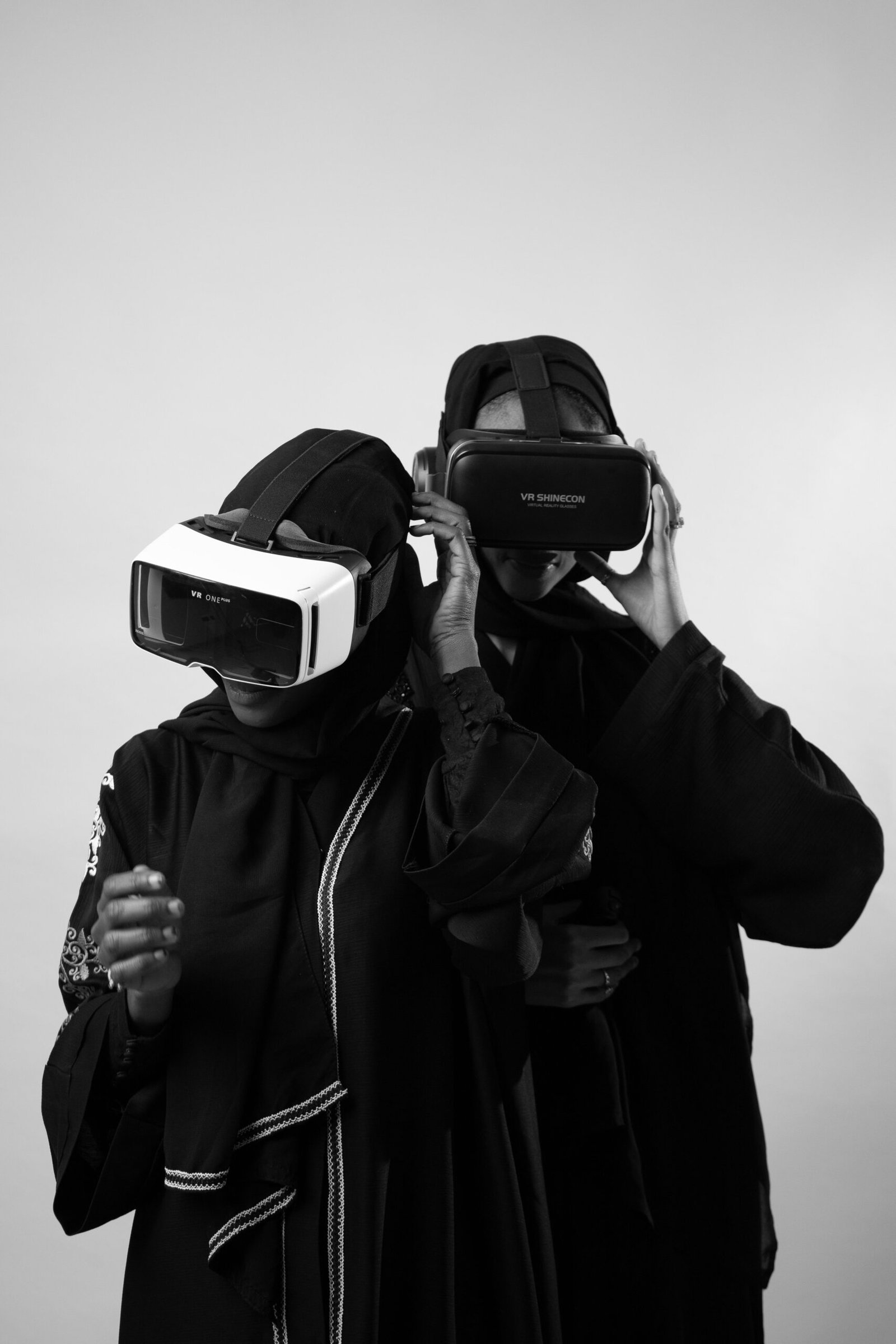
Console headsets connect to a games console, such as the PlayStation VR2 for the PlayStation 5. They sit in the middle: easier to set up than a PC headset, with better graphics than a standalone headset, but only if you already own that console. Finally, there are phone holders and very cheap cardboard viewers that turn a smartphone into a basic VR viewer. They are fun for a first taste of VR, especially for short videos, but they do not track your hands or your movement around a room, so they are not a good guide to what a real headset can do.
Virtual Reality vs Augmented Reality
People often mix up virtual reality and augmented reality, but they are opposites in one important way. VR replaces the real world completely: when you wear a headset, you cannot see your room at all. Augmented reality, or AR, adds digital objects to the real world that you can still see. You might point your phone at your living room and see a virtual sofa appear on your real floor, or wear smart glasses that show directions floating over the real street in front of you.
That difference changes what each technology is good for. VR is better when you want to escape the real world for a while, whether to play a game, visit a place, or focus on training without distractions. AR is better when you want help in the real world, such as instructions overlaid on a machine you are repairing, or information about a product on a shop shelf. Some new headsets can do both, switching between a fully virtual view and a view of your real room with digital objects added to it. If you want a deeper explanation of the other side of this pair, read our guide to what augmented reality is and how AR works.
How Much Does VR Cost in 2026?
A good standalone virtual reality headset in 2026 usually costs between 300 and 600 dollars, with some models costing more if you choose extra storage or accessories. Games and apps usually cost between 10 and 40 dollars each, and many headsets come with a few free games to start with. There are also free apps for fitness, video, and social VR, so you can get a lot of use from a headset without buying a large library of games straight away.
The total cost can grow if you add extras. A better head strap, a carrying case, extra controllers, or a battery pack can each add 30 to 100 dollars, and most people buy at least a better strap, because the strap that comes in the box is not always comfortable for long sessions. PC and console headsets cost more overall, because you need the computer or console as well. Before you buy, check what is included in the box, how much storage the model has, and whether the games you want are available for that headset, because games bought for one brand of headset do not always work on another.
Is Virtual Reality Safe?
For most healthy adults, VR is safe when used sensibly, but there are a few rules worth following. First, clear a space before you put the headset on. Most headsets let you draw a safe area, called a guardian or boundary, and warn you when you are about to walk into a wall or trip over furniture. Use it every time, and keep pets and small children out of that space while you are playing. Second, take breaks. Most makers suggest a break every 30 minutes, and you should stop straight away if you feel dizzy, sick, or your eyes hurt.
Some people feel motion sickness in VR, especially in games where your virtual body moves quickly while your real body stays still. If that happens to you, start with gentle games where you stand still or move slowly, use comfort settings such as teleport movement instead of smooth walking, and keep sessions short at first. Most people find the feeling fades as they get used to VR, but if it does not, VR may simply not suit you, and that is fine. Children should only use VR with an adult nearby, for short sessions, and with the age guidance for that headset, because young eyes and developing balance need extra care.
How to Get Started With VR
Getting started is simpler than most people expect. Choose a standalone headset if you are a beginner, because it works on its own and needs no other equipment. When it arrives, charge it fully, connect it to Wi-Fi, and follow the setup steps on the screen, which take about 15 minutes. Adjust the straps so the picture is clear, set up your safe play area, and try one of the free first-time experiences that most headsets include. They are designed to teach you how to move, grab things, and use the controllers without any pressure.
- Start with free apps: try a first-steps tutorial, a free game, and a video app before you spend money.
- Keep sessions short: 20 to 30 minutes is plenty while you are learning how VR feels.
- Use the boundary: always set up your safe area, even if you think you know the room.
- Try different genres: a puzzle game, a fitness game, and a social app will show you very different sides of VR.
- Ask before you buy games: check reviews and whether a game works on your exact headset model.
If you can, try a headset before you buy one. Many electronics shops have demo units, and a friend who already owns one is the best guide of all. Five minutes wearing a headset tells you more about comfort and fit than hours of reading reviews. Like other new technology, from drones to smart home devices, VR is easiest to understand once you have tried it yourself, and most people are surprised by how natural it feels.
Conclusion
Virtual reality is a computer-made world that you step inside with a headset, and in 2026 it is finally easy, affordable, and comfortable enough for ordinary people. A virtual reality headset uses two screens, lenses, and motion tracking to make a digital world feel present, and you can use it for games, fitness, learning, work, and meeting friends. Start with a standalone headset, keep your first sessions short, clear a safe space, and try a few free apps before you buy more. If you do that, VR can be one of the most fun pieces of technology you will ever bring home.
Frequently Asked Questions
Do I need a computer to use a virtual reality headset?
No, not if you buy a standalone headset. Standalone headsets have the processor, battery, and storage built in, so they work on their own. You only need a computer if you choose a PC-connected headset for the most detailed graphics.
Does VR make you feel sick?
Some people feel dizzy or sick at first, especially in fast-moving games. Modern headsets are much better than early ones, and most people adapt with short, gentle sessions. If you feel unwell, stop straight away and try again another day with a slower game.
Can children use VR?
Most headsets are made for users aged 10 or 13 and over, depending on the brand. Children should use VR for short sessions with an adult nearby, and parents should check the age guidance for the exact headset before buying one for a child.
What is the difference between VR and AR?
VR replaces the real world completely, so you only see the virtual world. AR adds digital objects to the real world, which you can still see around you. VR is best for escaping into another place, while AR is best for adding helpful information to the place you are already in.
How much space do I need for VR?
Many games work in a space about two metres by two metres, and some can be played sitting down. Room-scale games need more space, and you should always clear furniture and set up the headset’s safety boundary before you start playing.
Pingback: What Is the Metaverse? | TechInsures