
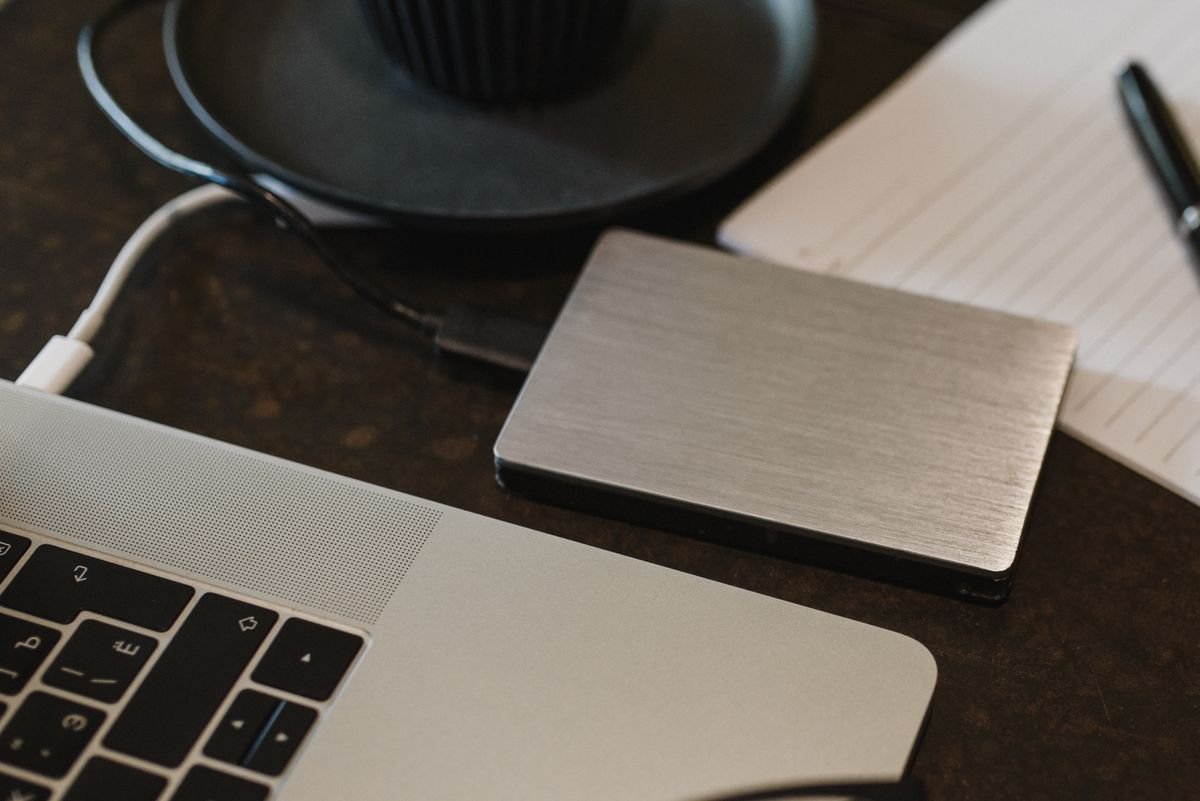
An external drive is the simplest way to add storage. Photo: Pexels.
Cloud storage is everywhere, so it is fair to ask: what is an external hard drive, and do you still need one in 2026? An external hard drive is a storage device that sits outside your computer and connects to it with a cable, usually USB. It gives you extra space for files, photos, and backups without opening your computer or paying a monthly subscription.
External drives are cheap, simple, and fast, and they still solve problems that cloud storage cannot. In this guide, we explain what an external hard drive is, how the two main types work, what to use one for, how it compares with cloud storage, and how to choose the right one for your needs.
What Is an External Hard Drive?
An external hard drive is a hard drive in its own case, with a USB cable to connect it to a computer, phone, or game console. Inside the case is the same kind of storage found in a laptop or desktop computer, but you can unplug it and carry it with you. It is often called a portable drive or a USB drive, although a USB flash drive is a different, smaller device.
The drive appears on your computer like any other storage. You can drag files onto it, open files from it, and use it as a backup target. When you are done, you eject it safely and unplug it. That is the whole idea: extra storage on demand, without any software to learn.
External drives are used for backing up a computer, storing photos and videos, moving large files between computers, carrying games on a console, and keeping an archive of files you do not need every day but do not want to lose. For a guide to backing up properly, read our article on how to back up your whole computer the right way.
HDD vs SSD: The Two Kinds of External Drive
There are two kinds of external drive, and the difference matters. A traditional hard disk drive, or HDD, stores data on spinning metal discs. It is cheap and comes in large sizes — a 2 terabyte HDD can cost less than a small SSD — but it is slower and more fragile, because the moving parts do not like being dropped.
A solid-state drive, or SSD, stores data on memory chips with no moving parts. It is much faster, quieter, and more durable, so it is a better choice for a drive you carry around every day. An external SSD can copy a large video in seconds, while an HDD may take minutes. The trade-off is price: an SSD costs more per gigabyte than an HDD, so a 1 terabyte SSD costs roughly the same as a 4 terabyte HDD.
For backups and archives that sit on a desk, an HDD is usually the best value. For a drive you carry in a bag, use with a laptop, or use for video editing, an SSD is worth the extra cost. Many people own both: a big, cheap HDD for backups at home, and a small, fast SSD for work on the go.
How Do External Hard Drives Connect?
Most external drives connect with a USB cable. Older drives use USB 3.0, while newer ones use USB-C, which is smaller and reversible — the plug works either way round. The speed depends on both the drive and the port. A fast SSD in a slow USB port will only be as fast as the port, and an old HDD will not go any faster in a new port.
Some drives need extra power from a wall socket, which is common for large desktop drives that hold four terabytes or more. Most portable drives get all their power from the USB cable, so they work anywhere a laptop works. A few drives are designed for game consoles and come with software to format them for that console.
Wireless external drives also exist. They connect to your Wi-Fi network and let several devices use them at once, but they are slower and more complicated than a USB drive, and they overlap with the job of a home network drive. For most people, a simple USB drive is the right choice.
What Can You Use an External Hard Drive For?
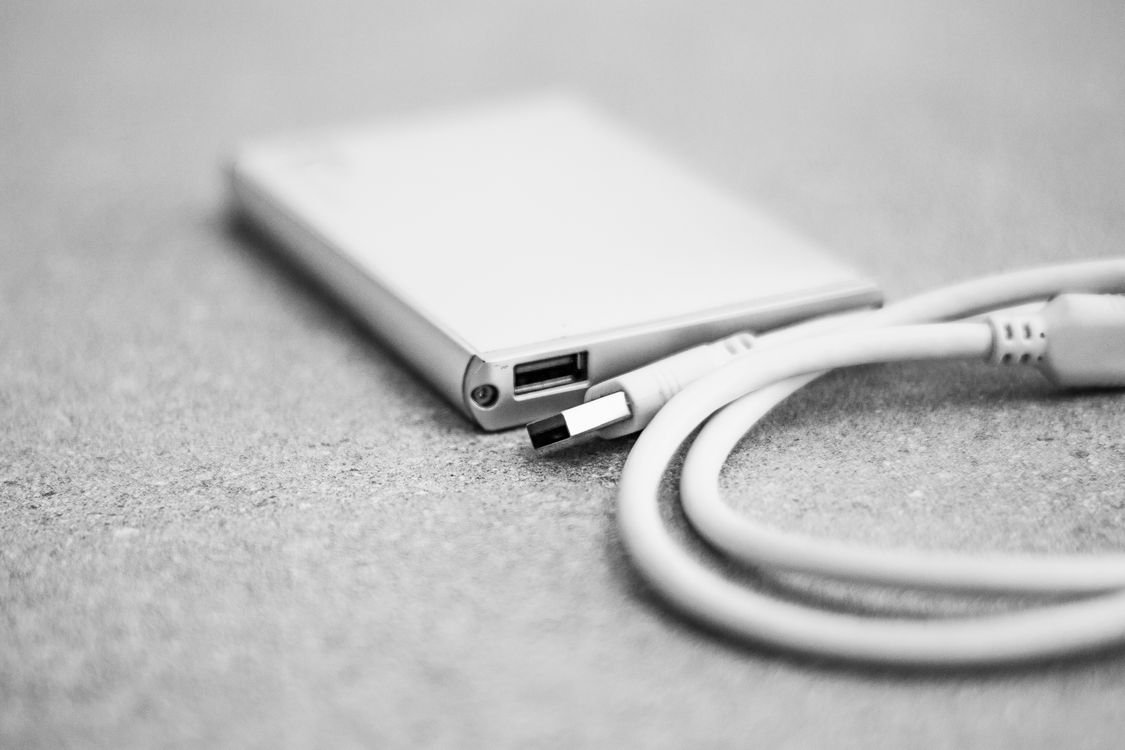
A drive you can carry holds your most important files. Photo: Pexels.
Backups are the most important use. A backup is a second copy of your files, and an external drive is the simplest place to keep it. If your laptop is stolen or its drive fails, the backup on the external drive saves your photos, documents, and work. The 3-2-1 rule is a good guide: keep three copies of your files, on two different kinds of storage, with one copy somewhere else, such as a cloud service.
Photos and videos are the next use. Phone photos fill up quickly, and a large video library takes up many gigabytes. Moving older photos to an external drive frees space on your computer and keeps them safe. Gamers use external drives to store games, because modern games can be 100 gigabytes or more, and consoles often run out of space. Video editors use fast external SSDs to store and edit footage directly from the drive.
External drives are also useful for moving files between computers that are not on the same network, such as taking work from an office to a home computer. If you work with large files, a drive is often faster than uploading them to the cloud and downloading them again.
External Hard Drive vs Cloud Storage
Cloud storage and external drives solve the same problem in different ways. Cloud storage is stored on someone else’s servers and is available from any device with internet. It is good for sharing, for working on the same file from several devices, and for files you need anywhere. It costs a monthly fee, and you need a good connection to use it.
An external drive costs once, works offline, and is usually faster for large files, because you are copying over a USB cable instead of the internet. It is also private: your files are not on anyone else’s server. The trade-off is that a drive can be lost, stolen, or damaged, so it is not a good place for your only copy of anything important.
Most people should use both: cloud storage for files you need everywhere and for a second backup, and an external drive for large files, backups, and offline work. That way, a failure in one place does not mean losing everything.
External Hard Drive vs a NAS
A NAS, or Network Attached Storage, is a box of hard drives that connects to your home network and is shared by every device in the house. It is more powerful than a single external drive, but it is also more expensive and more complicated to set up. A NAS is a good choice for a household that wants a shared photo library or a media server, while an external drive is a better choice for one person who needs extra space for one computer.
How to Choose the Right External Hard Drive
Start with capacity. For a backup of a laptop with 256 or 512 gigabytes of storage, a 1 or 2 terabyte drive is a good fit. For a photo or video library, go for 4 terabytes or more. A rough guide is to buy a drive twice as large as the amount of data you need to store today, so you have room to grow.
Next, choose between HDD and SSD. If the drive stays on your desk for backups, an HDD is the best value. If you carry it, use it for video, or want the fastest speeds, an SSD is worth it. Check the connection too: a USB-C drive with a USB 3.2 or Thunderbolt port is fastest, but it will work in a slower port at a slower speed.
Consider durability if you travel with the drive. Some SSDs are shock-resistant and water-resistant, which is worth paying for if the drive will live in a bag. Look for a drive from a known maker with a good warranty, and check reviews of real-world speeds rather than the number on the box. You can also explore the free TechInsures Tools hub for handy tools that help with everyday tech tasks.
How to Look After an External Hard Drive
Always eject the drive before you unplug it. Your computer may still be writing to it, and unplugging it at the wrong moment can corrupt a file. On Windows, use the Safely Remove Hardware icon; on a Mac, drag the drive to the Trash or click Eject.
Keep the drive away from drops, water, and strong magnets, and do not leave it in a hot car. An HDD is more fragile than an SSD, so handle it gently. Keep a second copy of anything important, because every drive fails eventually. Most drives last three to five years of regular use, but a backup on a single drive is not a backup.
If the drive stops working, do not open it. A failed drive can sometimes be read by a data recovery service, but opening it yourself will make it worse. Checking the drive’s health with the maker’s software once in a while can give you an early warning.
How Much Does an External Hard Drive Cost?
Prices vary with capacity and type. A 1 terabyte portable HDD usually costs around 50 to 60 dollars, while a 2 terabyte model costs around 70 to 80 dollars. A 4 terabyte desktop HDD can cost around 100 dollars. External SSDs are more expensive: a 1 terabyte portable SSD costs around 80 to 120 dollars, and a 2 terabyte model costs around 150 to 180 dollars.
Time your purchase if you can. External drives go on sale often, especially during holiday sales and back-to-school events. Buying a larger drive than you need today is usually cheaper than buying a small drive now and another one later.
Conclusion
So, what is an external hard drive? It is a storage device that connects to your computer by USB and gives you extra space for backups, photos, videos, and large files, without a monthly fee or an internet connection. In 2026, you still need one if you want a reliable local backup, a place for a large photo library, or a fast way to carry big files.
Choose an HDD for cheap, large backups that stay on a desk, and an SSD for a drive you carry around or use for video. Buy twice as much space as you need today, eject the drive safely, and keep a second copy of anything important. Used that way, a simple external drive is one of the most useful pieces of technology you can own.
Frequently Asked Questions
What is an external hard drive used for?
An external hard drive is used to add storage to a computer, back up files, store photos and videos, move large files between computers, and hold games. It connects by USB and works like any other drive on your computer.
Is an external hard drive better than cloud storage?
Neither is better on its own. An external drive is faster for large files, works offline, and has no monthly fee. Cloud storage is available from anywhere and is better for sharing. Most people should use both: a drive for local backups and large files, and cloud storage for files they need everywhere.
How long do external hard drives last?
Most external hard drives last three to five years of regular use, and some last longer if they are handled gently. An SSD often lasts longer than an HDD because it has no moving parts. Always keep a second copy of important files, because any drive can fail without warning.
Can I use an external hard drive with my phone?
Yes, many newer phones support external drives through a USB-C adapter, and some apps let you move photos and files to the drive. It is a useful way to free space on a phone, but check that your phone and the drive’s file system are compatible first.
Should I buy an HDD or an SSD external drive?
Buy an HDD if you want the most storage for the least money and the drive will stay on a desk. Buy an SSD if you carry the drive around, need the fastest speeds, or want a drive that can survive being dropped. Many people own one of each.