
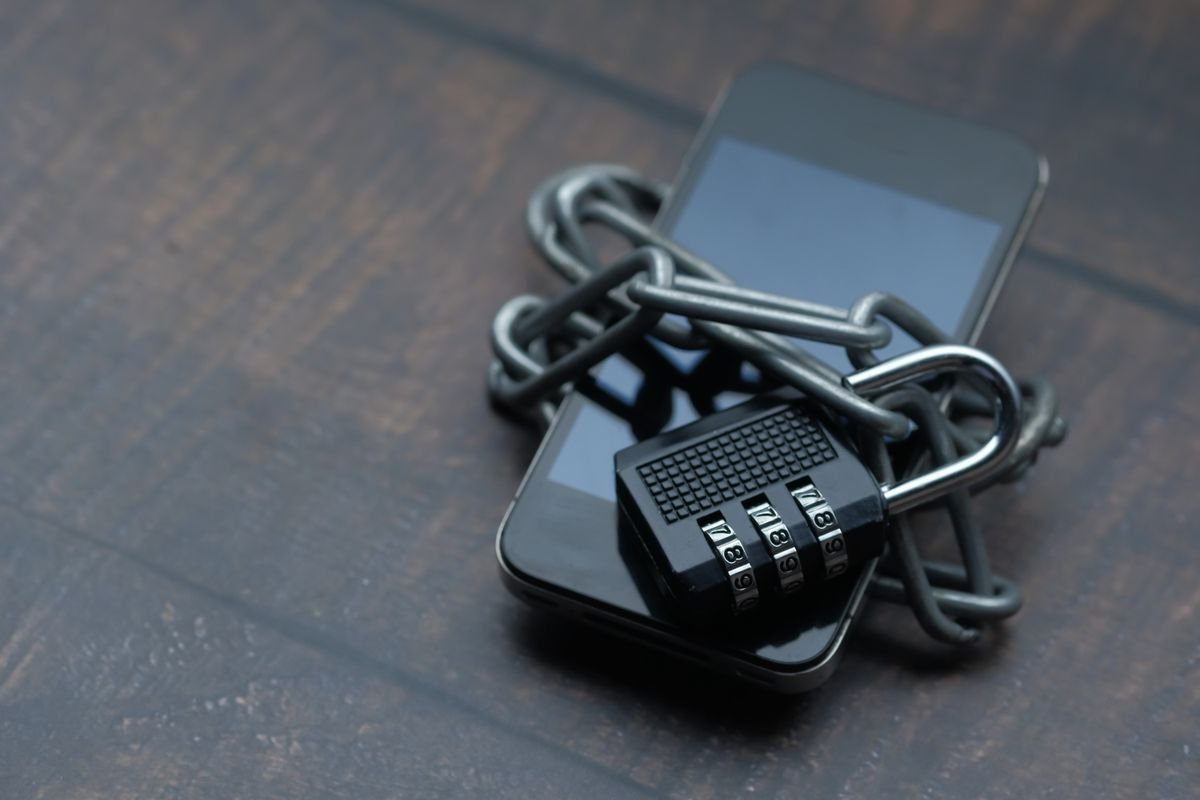
Security starts with a barrier. Photo: Pexels.
Every time you go online, your computer or phone connects to a world full of useful services — and a smaller number of people and programs that would like to get in without being invited. So, what is a firewall, and do you still need one in 2026? A firewall is a security barrier that sits between your device or network and the internet, checking the traffic that tries to pass through and blocking the parts that are not wanted.
Firewalls have been around since the early days of the internet, and they are still one of the most important security tools you have. Your computer, your phone, and your Wi-Fi router probably each have one already, working quietly in the background. In this guide, we explain what a firewall does, how the different types work, when the built-in firewall is enough, and when you should think about something stronger.
What Is a Firewall in Simple Terms?
A firewall is like a security guard at the door of a building. It checks everyone who tries to come in and everyone who tries to leave, and it only lets through the traffic that is allowed. If a program on your computer tries to send data to a suspicious server, the firewall can stop it. If an unknown computer on the internet tries to connect to your device, the firewall can refuse it.
The name comes from the firewalls used in buildings and cars: a wall that stops a fire from spreading. A computer firewall works in a similar way, stopping a problem in one place from spreading to the rest of your system. It does not remove viruses or clean up files that are already infected — that is the job of antivirus software — but it makes it much harder for attackers to reach your device in the first place.
Firewalls work by following a set of rules. A rule might say: let web browsing traffic through, but block file-sharing traffic, or let this app use the internet but not that one. You can change the rules, but most people never need to, because the firewall comes with sensible rules already set up.
How Does a Firewall Actually Work?
A firewall inspects network traffic by looking at packets, which are the small pieces of data that travel across the internet. Each packet has a source, a destination, and a type. The firewall checks these details against its rules and decides whether to allow the packet, block it, or ask you about it.
There are a few ways a firewall can make that decision. The simplest is packet filtering: the firewall looks at the address and port numbers on each packet and allows or blocks them. This is fast, but it does not understand what is inside the packet. A more advanced method is stateful inspection, where the firewall remembers the state of each connection. If you open a web page, the firewall knows the reply traffic belongs to that request and lets it through. Anything that arrives without a matching request is treated with suspicion.
Modern firewalls also look deeper, at the content of the traffic, in a method called deep packet inspection. This lets them spot a known attack hidden inside what looks like normal web traffic. The trade-off is speed: the deeper a firewall looks, the more work it does. For most home users, the built-in firewall strikes a good balance between protection and speed.
The Different Types of Firewall
There are several types of firewall, and most people will meet at least two of them. A software firewall runs as a program on your computer or phone. Windows has Windows Defender Firewall built in, macOS has a firewall in its settings, and most Linux systems include one too. A software firewall protects one device, and it can control traffic for each app, so you can let your browser use the internet while blocking a game you do not trust.
A hardware firewall is a separate device that sits between your home network and the internet. Your Wi-Fi router has one built in. It protects every device connected to your network — your laptop, your phone, your smart TV, and your smart home devices — without any software to install. Because it runs on its own hardware, it can check traffic for the whole household at once.
Cloud firewalls and next-generation firewalls are more common in businesses. A cloud firewall runs on the provider’s servers and protects web applications and remote workers. A next-generation firewall combines packet filtering with extra features such as intrusion detection, malware scanning, and the ability to recognise applications. For a home user, the router firewall plus the firewall on each device is usually enough.
What Does a Firewall Protect You From?
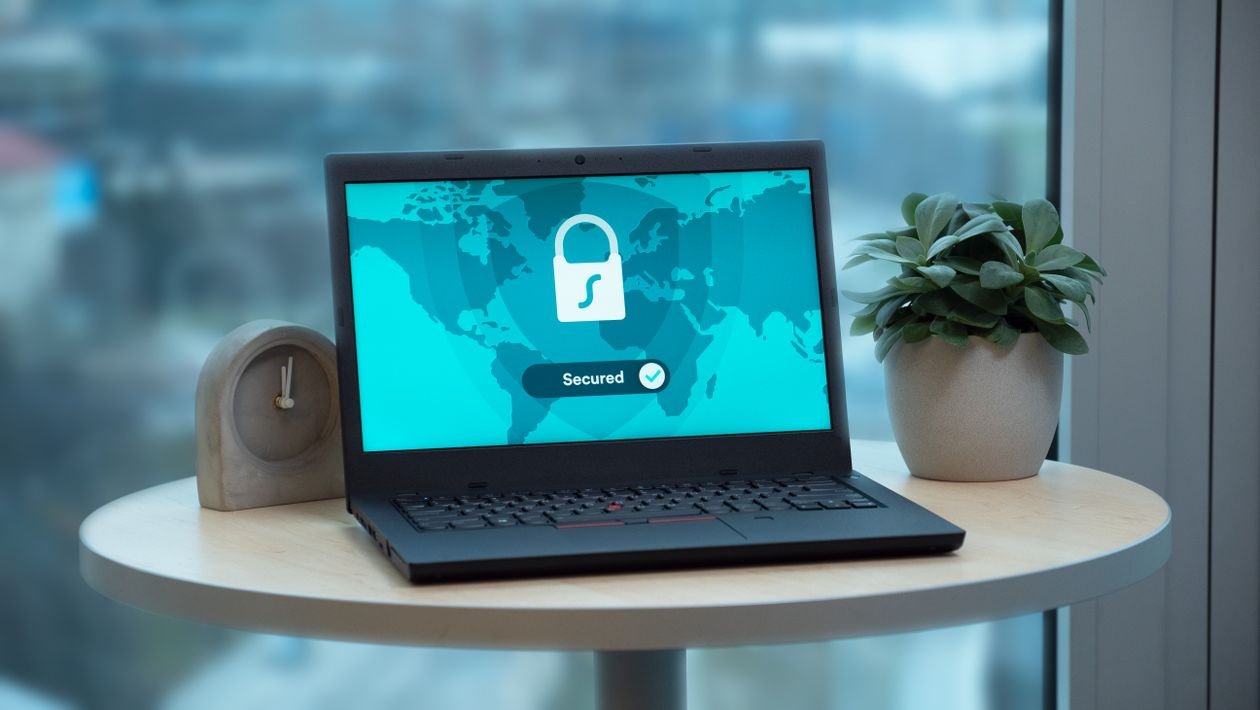
A firewall guards the door to your device. Photo: Pexels.
A firewall mainly protects you from unwanted connections. Hackers scan the internet looking for computers with open doors, such as a file-sharing service or a remote desktop port that was left open by mistake. A firewall keeps those doors closed unless you open them on purpose. It also stops malware on your computer from quietly connecting to a server to send your data or download more malware.
Firewalls also help on public Wi-Fi. When you join a coffee shop network, other people on the same network could try to reach your device. A firewall blocks those attempts. It does not make public Wi-Fi safe by itself — you should still avoid logging into sensitive accounts on networks you do not trust — but it removes a whole class of attacks.
It is important to know what a firewall does not do. It does not spot a phishing email, it does not check whether a website is genuine, and it does not remove a virus that is already on your computer. For those threats, you need other tools, such as antivirus software, a password manager, and a careful eye. If you use a VPN, read our guide to what a VPN is and whether you need one — it explains another layer of protection that works alongside a firewall.
Do You Still Need a Firewall in 2026?
Yes. In 2026, a firewall is still needed, even though computers and browsers are safer than they used to be. The number of connected devices in a home has grown: laptops, phones, tablets, smart TVs, smart speakers, cameras, and doorbells all connect to the internet, and many of them have weak security of their own. A firewall at the router is often the only thing standing between those devices and the internet.
Some people ask whether a firewall is needed if they already have antivirus software. The answer is that they do different jobs. Antivirus looks for harmful files on your device. A firewall controls who can talk to your device in the first place. Using only one is like locking the windows but leaving the front door open. The safest setup uses both, along with updates and strong passwords.
Operating systems now include firewalls that are turned on by default, and that is a good thing. The most common reason people get into trouble is turning the firewall off, often because a game or a program asked for access and the user clicked yes without checking. If a program asks you to allow it through the firewall, check what the program is and whether you trust it before you agree.
How to Check and Turn On Your Firewall
On Windows, open Settings, go to Privacy and security, then Windows Security, then Firewall and network protection. You should see that the firewall is on for the domain, private, and public networks. If it is off for any of them, turn it on. You can also see which apps are allowed through the firewall and remove any you do not recognise.
On a Mac, open System Settings, go to Network, then Firewall, and make sure it is turned on. You can click Options to see which apps are allowed and to turn on stealth mode, which makes your Mac ignore unexpected connection attempts entirely. On a phone, the firewall is usually managed by the operating system and cannot be turned off in the same way, but keeping the system up to date has the same effect.
For your router, log in to the router’s settings page and look for the firewall or security section. Most routers have it turned on by default. While you are there, make sure the router’s own software is up to date, because an old router with a known flaw is a weak spot no firewall setting can fix.
When Is a Built-In Firewall Not Enough?
For most homes, the built-in firewalls are enough. There are cases where you might want more. If you run a small business from home, host a website, or have a home server, a dedicated hardware firewall or a next-generation firewall can give you finer control and better logs of what is happening on your network.
Parents who want to limit what children can reach online may also want more control than a basic firewall offers. In that case, a router with parental controls or a family safety service may be a better fit than a stronger firewall alone.
If you want to go further, look for a router that supports regular security updates, or a firewall service that can be updated with new rules as threats change. And remember the simplest step of all: keep your software updated. A firewall cannot protect a device that has an old, known flaw. You can also explore the free TechInsures Tools hub for handy tools that help with everyday tech tasks, including checking your online security.
Conclusion
So, what is a firewall? It is a barrier between your devices and the internet that checks the traffic trying to pass through and blocks what is not allowed. It comes in software and hardware forms, it works by following rules about packets and connections, and it protects you from unwanted connections and from malware trying to phone home.
In 2026, you still need a firewall, and the good news is that you probably already have one: the firewall in your computer and the firewall in your router. Keep them turned on, keep your software updated, and use a firewall alongside antivirus software and good passwords. That combination is the simplest and most effective security setup most people will ever need.
Frequently Asked Questions
What is a firewall in simple words?
A firewall is a security barrier between your device or home network and the internet. It checks the data trying to enter or leave and blocks anything that is not allowed by its rules, much like a security guard checking people at a door.
Is the firewall on my router enough?
For most homes, yes, especially when combined with the firewall on each device. The router firewall protects the whole network, while the software firewall on your computer can control traffic for each app. Together, they cover the most common risks.
Can a firewall protect me from viruses?
No, not by itself. A firewall can stop malware from reaching your device and can stop malware that is already there from sending data out, but removing a virus is the job of antivirus software. Use both together for the best protection.
Should I turn off my firewall to make a game work?
It is better to allow just that game through the firewall instead of turning the firewall off completely. In Windows Firewall settings and in macOS, you can allow a single app while keeping the rest of the firewall on. Turning it off leaves every app unprotected.
Does a firewall slow down my internet?
A firewall does add a small delay as it checks traffic, but on a modern computer or router the effect is tiny and you will not notice it in normal use. If your internet feels slow, the cause is far more likely to be your connection, your Wi-Fi signal, or a busy network.