
A digital wallet is an app on your phone, watch, or computer that stores your payment cards, tickets, and passes, and lets you pay by tapping your device instead of reaching for your physical wallet. If you have ever used Apple Pay, Google Pay, or Samsung Pay, you have already used a digital wallet, even if you did not know its name. In this guide, we explain what a digital wallet is, how it works, whether it is safe, and how to set one up and use it in everyday life.
What Is a Digital Wallet?
A digital wallet, also called an e-wallet or a mobile wallet, is a secure app that stores a digital version of your payment cards, loyalty cards, boarding passes, tickets, and identification, and lets you use them without carrying the physical versions. The most common digital wallets are Apple Pay on iPhones, Google Pay, now called Google Wallet, on Android phones, and Samsung Pay on Samsung phones, but there are also wallets from banks, shops, and payment companies such as PayPal. A digital wallet does not usually store your actual card number on your device. Instead, it stores a token, which is a unique number that represents your card, and it uses that token when you pay. This means that if your phone is lost or stolen, your card number is not on the phone for a thief to find. Digital wallets can also store other things, such as your driving licence in some places, your student ID, your car key, and your loyalty cards, so you can leave more of your physical wallet at home. They are different from a banking app, which lets you manage your account, and from a payment app, which lets you send money to friends, although many wallets now include those features as well. The key idea is simple. A digital wallet turns your phone into a wallet, and it lets you pay quickly, securely, and without touching a card reader.
How Does a Digital Wallet Work?
A digital wallet works by using a technology called NFC, or Near Field Communication, to talk to a payment terminal when you hold your phone close to it. When you set up a wallet, you add your card by taking a photo of it or by typing in its details, and your bank checks that the card is yours, usually by sending you a code by text or email. Once the card is added, the wallet creates a token for it, and it stores that token in a secure part of your phone, called a secure element, which is separate from the rest of the phone. When you pay, you unlock your phone with your face, your fingerprint, or your PIN, and you hold it near the terminal. The wallet sends the token and a one-time code to the terminal, and the terminal sends that to your bank, which checks the token and approves the payment. Your actual card number is never sent to the shop, and it is never stored on the terminal. This is why digital wallets are often safer than physical cards, because a thief who intercepts the payment cannot use the token again, and they do not learn your card number. You can also use a digital wallet to pay online, in apps, and on websites that support it, without typing in your card details each time. To learn more about the technology that makes tap-to-pay work, read our guide on what NFC is and how tap-to-pay works.
Is a Digital Wallet Safe to Use?
Yes, a digital wallet is generally safe to use, and in many ways it is safer than carrying a physical card. There are three reasons for this. First, your card number is not shared with the shop, because the wallet uses a token instead, so a data breach at a shop cannot expose your card number. Second, every payment requires you to unlock your phone, usually with your face or fingerprint, so a thief cannot use your wallet if they steal your phone, unless they also know your PIN and can unlock it. Third, if you lose your phone, you can lock it or erase it remotely, and you can remove your cards from the wallet without cancelling the physical cards themselves. That said, a digital wallet is only as safe as the phone it is on. You should use a strong screen lock, keep your phone updated, and be careful about which apps you install. You should also turn on two-factor authentication for your wallet and your bank account, which adds an extra check when you sign in from a new device. Our guide on what two-factor authentication is and why you need it today explains how to set this up. Be careful about phishing, because scammers may send you a message pretending to be your bank and asking you to add a card to a wallet, or to approve a payment. Your bank will never ask you to do this by text or email, so if you receive such a message, do not click the link, and contact your bank directly.
How to Set Up a Digital Wallet
Setting up a digital wallet is quick, and it takes only a few minutes. On an iPhone, open the Wallet app, tap the plus sign, and follow the instructions to add a card. You can take a photo of the card, or you can type in the details manually. On an Android phone, open Google Wallet, tap Add to Wallet, and choose Payment card, then follow the same steps. On a Samsung phone, open Samsung Pay and add a card in the same way. Your bank will then verify the card, usually by sending you a code by text or email, and once you enter that code, the card is ready to use. You can add several cards to a wallet, and you can choose which one is your default card for payments. You can also add loyalty cards, gift cards, and tickets by scanning their barcodes or by adding them from the app that issued them. Once your wallet is set up, try it with a small purchase first, so you get used to how it works. Hold your phone near the terminal, unlock it with your face or fingerprint, and wait for the confirmation. If it does not work, check that NFC is turned on in your phone’s settings, that you are holding the phone close enough to the terminal, and that the terminal accepts contactless payments. Most terminals in shops, restaurants, and public transport now accept digital wallets, and many online shops accept them as well.
Where Can You Use a Digital Wallet?
You can use a digital wallet in most places where you can use a contactless card, including shops, supermarkets, restaurants, cafes, petrol stations, and public transport. In many cities, you can use your phone to pay for a bus, train, or underground journey, without buying a ticket, and you can use it to pay for parking, vending machines, and taxis. Online, you can use a digital wallet to pay on websites and in apps that support Apple Pay, Google Pay, or PayPal, which saves you from typing in your card details and your address each time. Some wallets also work for peer-to-peer payments, which means you can send money to a friend by choosing their name from your contacts, without needing their bank details. Digital wallets are also useful for travel, because you can store your boarding pass, your hotel booking, and your car hire details in the same app, and you can use your wallet to pay in other countries, although your bank may charge a fee for foreign transactions, so check before you travel. There are still some places where a digital wallet will not work, such as small shops that only take cash, or older payment terminals that do not support contactless payments, so it is a good idea to carry a physical card as a backup, especially when you travel. Over time, however, digital wallets are becoming accepted in more and more places, and in some countries, such as China and Sweden, they are already more common than cash.
Digital Wallet vs Physical Wallet: Which Is Better?
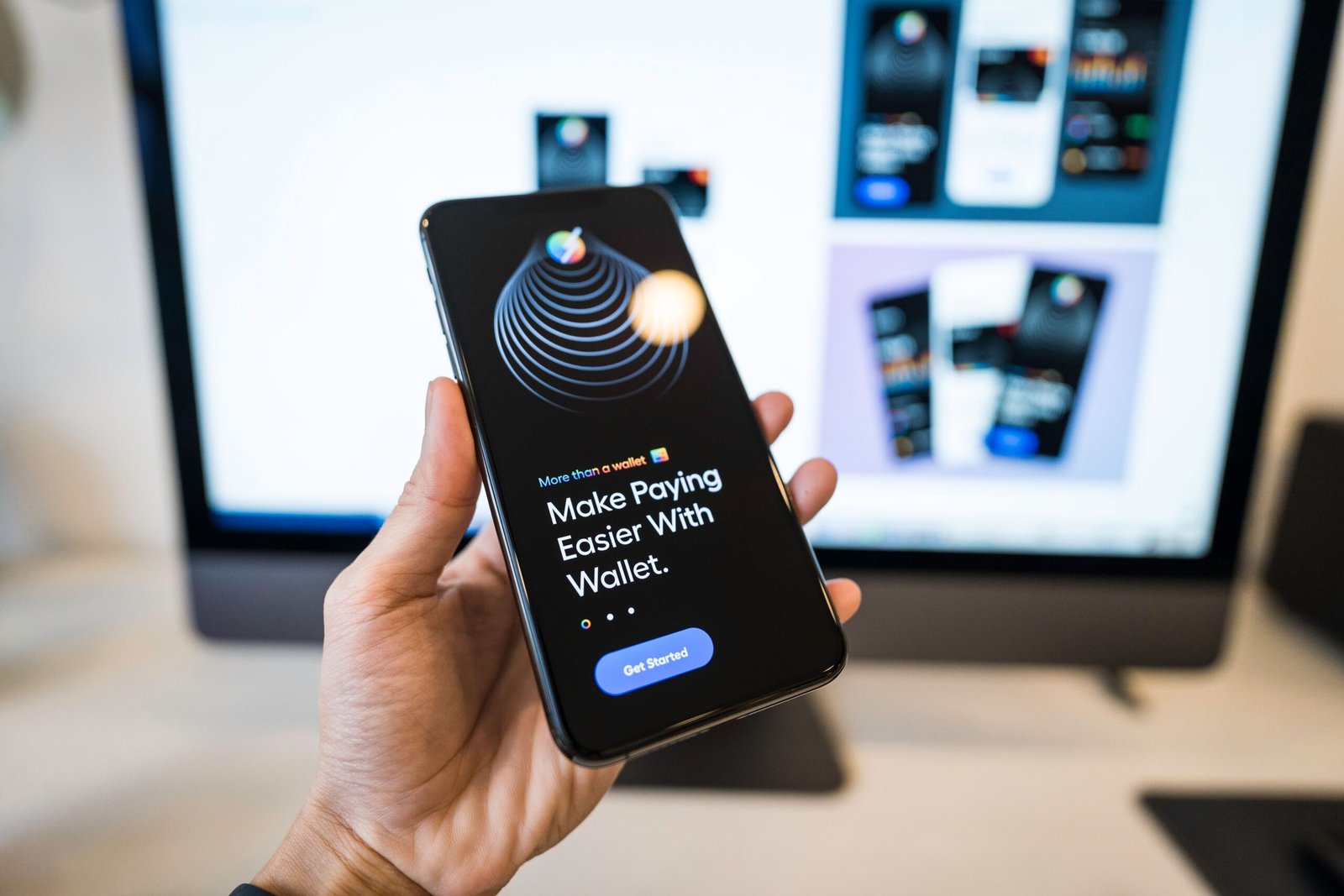
A digital wallet has several advantages over a physical wallet. It is more convenient, because you usually carry your phone with you anyway, and you can pay with a tap instead of searching for the right card. It is more secure, because your card number is not shared, every payment requires your face, fingerprint, or PIN, and you can lock your wallet remotely if you lose your phone. It is also more organised, because you can store many cards, tickets, and passes in one app, and you can see a record of every payment you make, which helps you keep track of your spending. A physical wallet still has some advantages. It does not run out of battery, it does not need an internet connection, and it works everywhere, even in places that do not accept contactless payments. It is also simpler, because you do not need to learn how to use an app, and you do not need to worry about your phone being updated or compatible. For most people, the best approach is to use both. Use a digital wallet for everyday payments, because it is fast and secure, and keep a physical card and a little cash in your pocket as a backup, in case your phone runs out of battery or a terminal does not accept contactless payments. Over time, you may find that you use your physical wallet less and less, and that your phone becomes your main way to pay.
Common Problems and How to Fix Them
Digital wallets are usually reliable, but a few problems can occur. If a payment is declined, check that you have enough money in your account, that your card has not expired, and that your bank has not blocked the payment for security reasons. If the terminal does not recognise your phone, make sure NFC is turned on, hold your phone closer to the terminal, and try again, or try a different card in your wallet. If your wallet app crashes or will not open, try restarting your phone, updating the app, and checking that your phone’s software is up to date. If you get a new phone, you will need to set up your wallet again, because your cards are not transferred automatically for security reasons, so add your cards to the new phone before you get rid of the old one. If you lose your phone, use the Find My app on another device to lock it or erase it, and contact your bank to let them know, although your cards are protected by your screen lock and by the token system, so a thief cannot use them without unlocking your phone. If you are worried about privacy, remember that your wallet provider and your bank can see your payments, but the shop cannot see your card number, and you can turn off location tracking and other features in your phone’s settings if you prefer.
Conclusion
A digital wallet is an app that stores a secure, digital version of your payment cards, tickets, and passes, and lets you pay by tapping your phone on a terminal, using NFC and a token instead of your real card number. It is convenient, it is generally safer than a physical card, and it is accepted in more places every year. Setting one up takes only a few minutes, and using it is as simple as unlocking your phone and holding it near a terminal. Keep your phone locked and updated, turn on two-factor authentication, and carry a physical card as a backup, and a digital wallet can make paying faster, easier, and more secure.
Frequently Asked Questions
What is a digital wallet in simple terms?
A digital wallet is an app on your phone that stores your payment cards and lets you pay by tapping your phone, instead of using a physical card. Apple Pay, Google Wallet, and Samsung Pay are all digital wallets.
Is a digital wallet safe?
Yes, a digital wallet is generally safe, and it is often safer than a physical card, because it uses a token instead of your real card number, and every payment requires your face, fingerprint, or PIN to unlock your phone.
Do I need internet to use a digital wallet?
No, you do not need internet to pay in a shop with a digital wallet, because it uses NFC to talk to the terminal. You do need internet to set up the wallet, to add a new card, and to pay online.
What happens if I lose my phone with a digital wallet?
Your cards are protected by your screen lock and by the token system, so a thief cannot use them without unlocking your phone. You can also lock or erase your phone remotely, and you can remove your cards from the wallet without cancelling the physical cards.
Can I use a digital wallet without a bank card?
Most digital wallets need a bank card or a prepaid card to work, but some wallets, such as PayPal, can also use a bank account or a balance in the wallet itself. Check the options in your wallet app to see what it supports.