
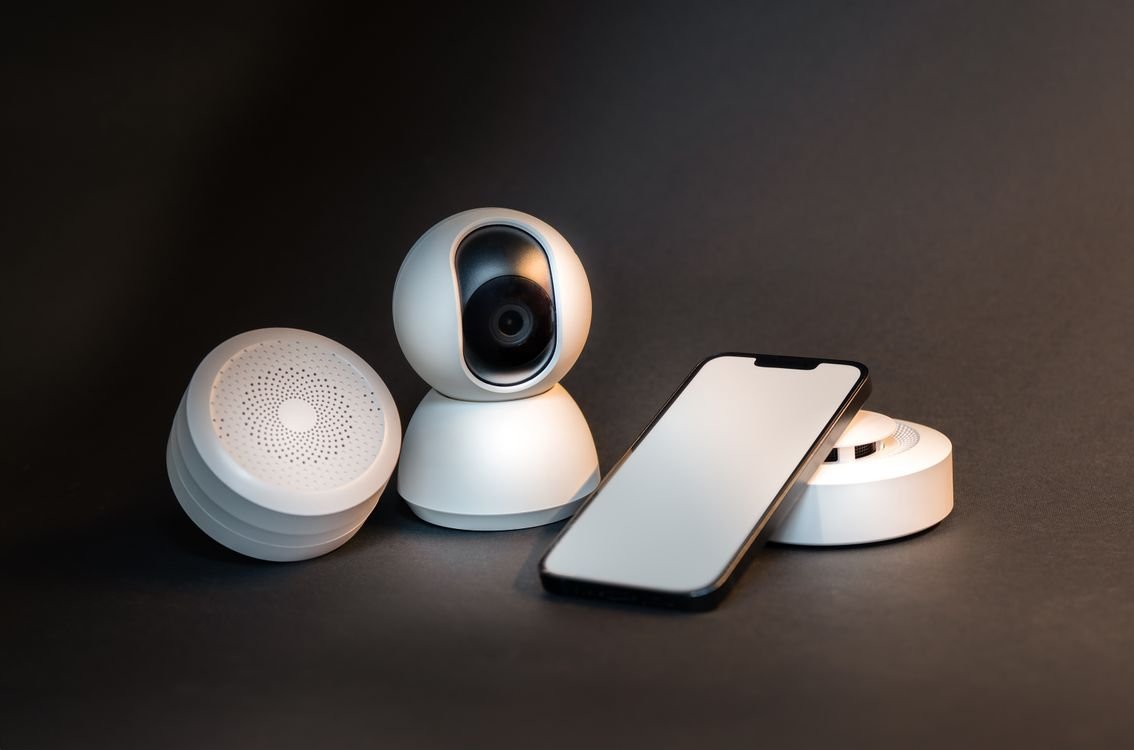
Smart home devices explained: are they worth it? Smart speakers, smart lights, smart locks, cameras, thermostats, and doorbells have moved from futuristic gadgets to everyday products, and it is easy to feel pressure to fill your home with them. They promise to save energy, improve security, and make daily life easier, with a simple voice command or a tap on your phone. In this guide, we will explain what smart home devices actually do, how they work together, what they cost, and whether they are worth it for your home in 2026.
A smart home device is any household device that can connect to the internet, be controlled remotely, and work with other devices. A smart light can be dimmed from your phone. A smart thermostat can learn your schedule and adjust the temperature automatically. A smart lock can be opened with a code, a fingerprint, or your phone, without a physical key. A smart speaker can answer questions, play music, and control other smart devices by voice. The key idea is connection: these devices are not just electronic, they are part of a system.
How Smart Home Devices Work
Most smart home devices connect to your home Wi-Fi network, or to a hub that connects to Wi-Fi on their behalf. They communicate using wireless standards such as Wi-Fi, Bluetooth, Zigbee, Z-Wave, or Thread, and they are controlled through an app on your phone or through a voice assistant such as Amazon Alexa, Google Assistant, or Apple Siri. When you say turn off the living room lights, your voice is sent to a cloud service, which sends a command back to the light, which then switches off.
That cloud connection is why an internet outage can affect smart devices, and why privacy matters. Many smart devices send data to the manufacturer’s servers, such as voice recordings, usage patterns, and sensor readings. Some devices can work locally, without the cloud, but many need an internet connection for full features. Before you buy, check whether a device requires a cloud account, whether it stores recordings, and whether you can delete that data.
The Most Popular Smart Home Devices
Smart speakers and displays are the most common starting point. They play music, answer questions, set timers, and act as a control center for other devices. Smart lights are also popular, because they are relatively cheap, easy to install, and immediately useful: you can dim them, change their color, set schedules, and turn them off from bed.
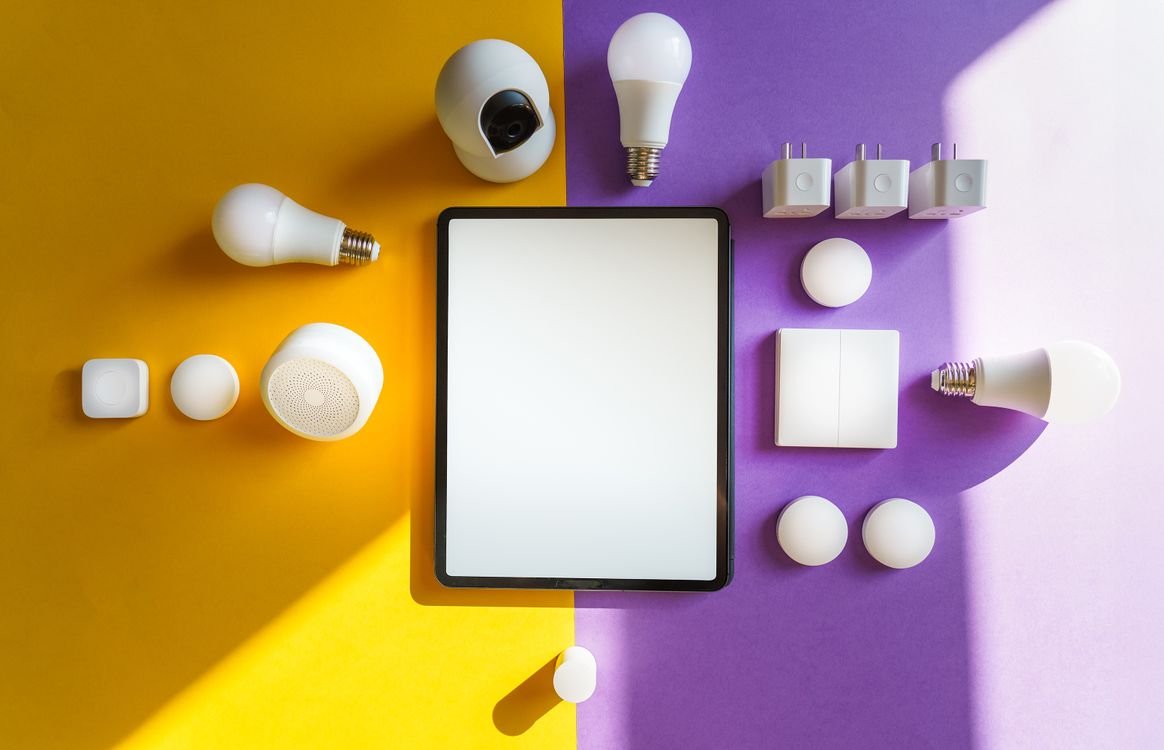
Smart thermostats learn when you are home, adjust heating and cooling to save energy, and can be controlled remotely, so you can warm your home before you arrive. Smart locks and video doorbells improve security and convenience, letting you see who is at the door, unlock it for a trusted visitor, and receive alerts when someone approaches. Smart cameras, sensors, and plugs round out the system, monitoring motion, temperature, and energy use, and turning ordinary appliances into smart ones.
The Benefits: Comfort, Energy, and Security
The main benefit of smart home devices is convenience. You can control lights, heating, and music without getting up, set routines that run automatically, and manage your home from anywhere. A good morning routine might turn on the lights, start the coffee maker, and read your calendar. A good night routine might lock the doors, turn off the lights, and lower the thermostat.
Energy savings are real, but they are often modest. A smart thermostat can reduce heating and cooling costs by learning your schedule and avoiding heating an empty home. Smart lights use LED bulbs, which are efficient, and they can be set to turn off automatically when a room is empty. Smart plugs can cut standby power from devices that draw electricity even when switched off. Over a year, those savings can add up, but they rarely pay for a whole smart home system on their own.
Security is another benefit, with caveats. A video doorbell, a smart lock, and a camera can deter burglars, alert you to visitors, and give you a record if something happens. They are most useful when combined with good basic security, such as strong locks, good lighting, and neighbors who look out for each other. A camera alone does not make a home secure, and a smart lock is only as safe as its password and software updates.
The Costs and Downsides
Smart home devices cost more than ordinary devices, and the costs add up. A smart speaker may cost 30 to 100 dollars, a smart thermostat 100 to 250 dollars, a smart lock 150 to 300 dollars, and a video doorbell 100 to 250 dollars, plus installation if you need it. Some devices also require a subscription for full features, such as cloud video storage, advanced alerts, or professional monitoring, which can add 3 to 10 dollars a month per device.
Compatibility is another challenge. Not every device works with every voice assistant or hub, and a device that works with Alexa may not work with Google Home or Apple HomeKit. The Matter standard, which many manufacturers now support, is improving compatibility, but it is still worth checking before you buy. Choose one ecosystem, such as Amazon, Google, or Apple, and stick to it for your main devices, to avoid a home full of apps that do not talk to each other.
Privacy and security are the biggest concerns. Smart speakers listen for a wake word, cameras record video, and doorbells record visitors, which means sensitive data is collected in your home. Use strong, unique passwords, turn on two-factor authentication, keep devices updated, and review privacy settings regularly. Turn off features you do not use, such as a camera’s microphone when you are home, and be careful about sharing access with others.
Are Smart Home Devices Worth It?
For many people, the answer is yes, for a few devices, but not for every device. A smart speaker, smart lights in the rooms you use most, and a smart thermostat are often worth it, because they are used daily, they save time, and they can save a little energy. A video doorbell is worth it if you receive many deliveries, live alone, or want extra security. A smart lock is worth it if you often lose keys, need to give temporary access to guests or cleaners, or want to lock up remotely.
Some devices are harder to justify. A smart fridge, a smart toaster, or a smart mirror may be fun, but they rarely save enough time or money to justify their price, and they can be harder to repair than a simple appliance. Before buying any smart device, ask three questions: will I use it every day, will it save me time or money, and will it work with the devices I already own? If the answer to at least two is yes, it is probably worth it.
How to Start a Smart Home Without Wasting Money
Start small. Choose one ecosystem and one device that solves a real problem, such as a smart speaker to control music and timers, or smart lights for a room you use every evening. Use it for a month, learn its app and voice commands, and see whether it genuinely makes life easier. If it does, add one more device at a time, rather than buying a whole system at once.
Check your Wi-Fi first. Smart devices need a reliable Wi-Fi signal in every room where they will be used, especially for cameras and doorbells, which need to upload video. If your Wi-Fi is weak in parts of your home, a mesh Wi-Fi system may be a better investment than more smart devices. Also check that your home’s wiring, such as a neutral wire for smart light switches, supports the devices you want to install, or hire a professional for anything involving mains electricity.
For more free tools to help you plan, calculate, and organize your home projects, visit the TechInsures Tools hub on TechInsures.
Conclusion
Smart home devices explained in one sentence: they are ordinary household devices connected to the internet, controlled by app or voice, and designed to make your home more comfortable, efficient, and secure. Are they worth it? For a few well-chosen devices, yes. For a house full of gadgets you rarely use, no. Start with one useful device, choose one ecosystem, protect your privacy with strong passwords and updates, and add devices only when they solve a real problem. Your home should work for you, not the other way around.
Frequently Asked Questions About Smart Home Devices
Do smart home devices work without Wi-Fi? Some devices, such as Bluetooth lights or a smart lock with a keypad, can work without Wi-Fi for basic functions, but most smart features, including voice control, remote access, and cloud recording, need an internet connection. If your Wi-Fi goes down, many devices will still work manually, just as an ordinary light or lock would, but you will lose remote control until the connection returns.
Are smart home devices safe from hackers? Any device connected to the internet can be attacked, but you can reduce the risk a great deal by using strong, unique passwords, turning on two-factor authentication, keeping firmware updated, and buying devices from reputable brands that provide regular security updates. Avoid cheap, unbranded devices that never receive updates, and change any default passwords as soon as you install a device.
What is Matter, and why does it matter? Matter is a newer standard that helps smart home devices from different brands work together, so a light from one company can work with a hub from another. If you are starting a smart home in 2026, choosing devices that support Matter, along with your chosen voice assistant, will make your system more flexible and less likely to become obsolete when you add new devices.
Pingback: What Is Augmented Reality? An Amazing Guide (2026)
Pingback: How Do Drones Work? A Beginner's Gui