
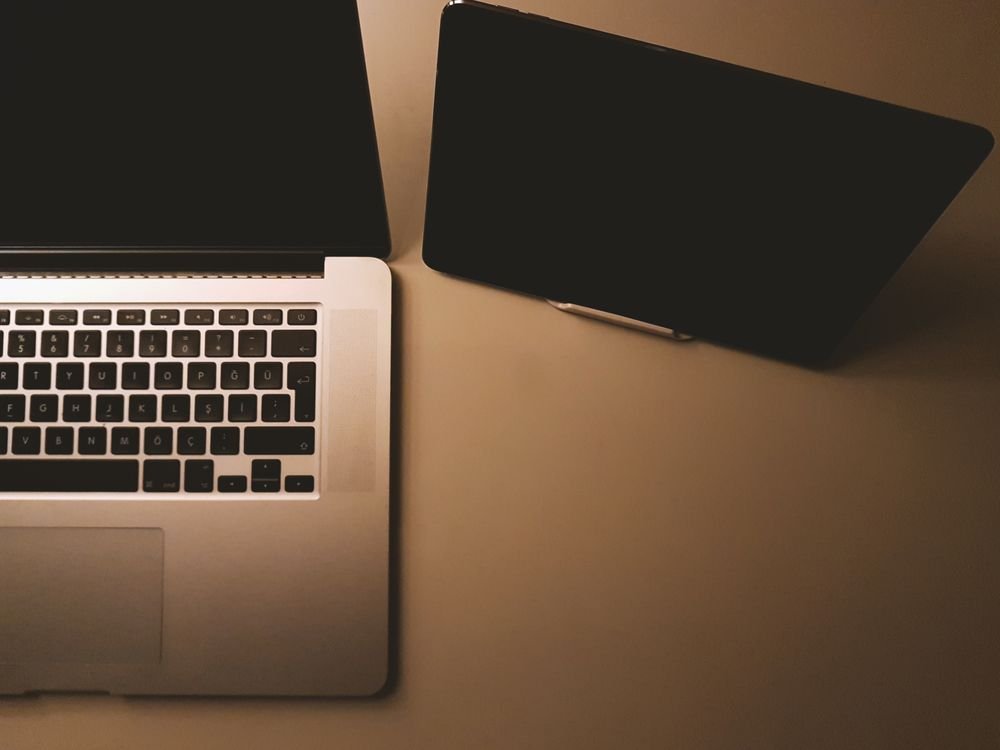
Tablet vs laptop: which should you buy in 2026? It is one of the most common technology questions, and the answer has become more complicated, not less. Tablets are now faster, their keyboards and styluses are better, and many can run the same apps you use on a computer. Laptops, meanwhile, have become thinner, lighter, and longer-lasting, with touchscreens and convertible designs that borrow ideas from tablets. In this guide, we will compare tablets and laptops on performance, portability, software, price, and everyday use, so you can choose with confidence instead of guessing.
The short answer is that most people who need to write long documents, edit spreadsheets, code, or run specialist software should buy a laptop. Most people who mainly browse, watch videos, read, take notes, draw, or travel light will be happy with a tablet, especially with a keyboard accessory. Many households end up with both, using a tablet for relaxed, portable use and a laptop for serious work. Your budget, your software, and your habits matter more than any single specification.
The Key Differences at a Glance
A laptop is a complete computer with a built-in keyboard, a trackpad, a full desktop operating system, and usually a larger screen, more storage, and more ports. A tablet is a touchscreen-first device with a mobile operating system, a long battery life, a lighter body, and optional accessories such as a keyboard case and a stylus. The laptop is designed for creating and multitasking. The tablet is designed for consuming, reading, drawing, and carrying everywhere.
In 2026, the lines are blurred. Some tablets now use desktop-class chips and can connect to external monitors, keyboards, and mice, turning into a surprisingly capable workstation. Some laptops fold into tablet mode, with a touchscreen and a stylus. The question is no longer simply which category is better, but which specific device, with which accessories, gives you the experience you need at a price you can afford.
Performance: Power for Work and Play
For everyday tasks such as email, web browsing, streaming, and video calls, a modern mid-range tablet and a modern mid-range laptop feel equally fast. The difference appears when you push them harder. Video editing, 3D design, large spreadsheets, programming, and gaming still favor laptops, because they have more powerful processors, better cooling, more memory, and software designed for heavy work. A tablet can edit a short video for social media beautifully, but editing a feature-length project with many tracks is usually easier, and often only possible, on a laptop.
Memory and storage also matter. Many tablets start with less storage and no easy way to expand it, while laptops often offer larger drives and, in some models, upgradeable memory or storage. If you store many photos, videos, or large files locally, check the storage before you buy, and consider cloud storage as a backup, not as a replacement for enough local space.
Portability and Battery Life
Tablets win on portability. They are lighter, thinner, and easier to hold in one hand, read in bed, or slip into a small bag. Their batteries often last ten hours or more of video playback, and they charge quickly with a standard USB-C charger. For travel, commuting, reading, and note-taking on the move, a tablet is hard to beat.
Laptops have closed much of the gap. Ultraportable laptops now weigh under 1.2 kilograms, last twelve hours or more on a charge, and charge over USB-C as well. They are still heavier and bulkier than a tablet, and they are less comfortable to use standing up or in a cramped seat, but for a full working day away from a desk, a modern ultraportable laptop is a realistic travel companion.
Software and Apps
Software is often the deciding factor. Laptops run full desktop operating systems, such as Windows or macOS, with full versions of Microsoft Office, Adobe Creative Cloud, web browsers with extensions, and professional tools for coding, accounting, engineering, and design. If your school or employer requires specific desktop software, a laptop is usually the only safe choice.
Tablets run mobile operating systems, such as iPadOS or Android, with app-store versions of many popular programs. Those versions are often simpler and touch-friendly, but they may lack advanced features, such as macros in spreadsheets, plug-ins in photo editors, or full file management. Before buying a tablet as your only computer, make a list of the five apps you use most, and check whether the tablet versions do everything you need. Try them in a shop if you can, or read recent reviews focused on those apps.
Typing, Drawing, and Note-Taking
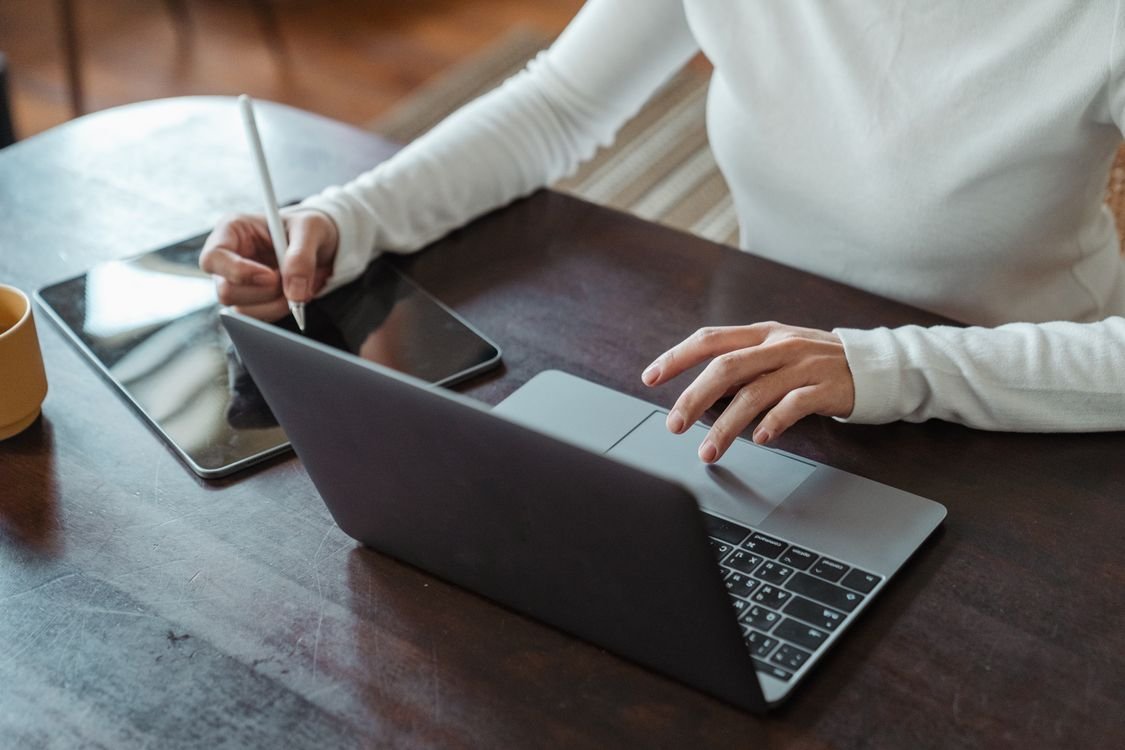
If you write a lot, a laptop’s built-in keyboard and trackpad are a major advantage. You can type quickly for hours, use keyboard shortcuts, and switch between windows easily. A tablet with a good keyboard case can come close, but keyboard cases are often smaller, less stable on your lap, and an extra cost. Test the keyboard before you buy, and remember that the total price of a tablet plus a keyboard and a stylus can approach the price of a laptop.
If you draw, annotate, or take handwritten notes, a tablet is usually better. A stylus on a tablet feels natural for sketching, signing documents, marking up PDFs, and writing by hand, and many note-taking apps convert handwriting to text, organize your notes, and sync them to the cloud. A laptop with a touchscreen and stylus can do some of this, but it is heavier to hold and less natural to write on.
Screen, Sound, and Entertainment
For watching films, reading books, and browsing social media, a tablet is often more enjoyable. You can hold it like a book, prop it up on a table, and use it in bed without a hot fan or a heavy keyboard in the way. Many tablets have bright, high-resolution screens and good speakers, and they are ideal for streaming, reading comics, and playing casual games.
Laptops offer larger screens, which are better for multitasking, editing photos side by side, or watching with a friend. A 14-inch or 15-inch laptop screen makes it easier to have two windows open at once, which matters for research, writing, and studying. If entertainment is your main use, choose a tablet. If you often need two apps visible at once, choose a laptop, or a large tablet with a keyboard and an external monitor.
Price and Value in 2026
Tablets usually start cheaper than laptops, but the true cost can be misleading. A basic tablet may cost less than half the price of a basic laptop, yet a premium tablet with a keyboard, stylus, and extra storage can cost as much as, or more than, a capable laptop. Laptops also tend to last longer as a primary computer, because their software is updated for many years and their hardware can handle more demanding tasks as your needs grow.
When comparing prices, add up the total cost: the device, the keyboard, the stylus, a case, and any software subscriptions you need. Then compare that total to a laptop that includes a keyboard, a trackpad, and full software out of the box. For students, also check whether your school offers discounts, and whether a laptop is required for exams or coursework.
Who Should Buy a Tablet?
Buy a tablet if you mainly browse, read, watch, and take notes; if you travel light; if you draw or annotate by hand; if you already have a desktop computer for heavy work; or if you want a simple, low-maintenance device for a child, a parent, or a grandparent. A tablet is also a great second device for a laptop owner who wants something lighter for the sofa, the train, or a holiday.
Choose a tablet with enough storage, a bright screen, and a processor that will stay fast for at least three years. If you plan to type regularly, budget for a first-party keyboard case, not a cheap third-party one, because the typing experience makes a real difference to how much you will enjoy the device.
Who Should Buy a Laptop?
Buy a laptop if you write long documents, work with spreadsheets, code, edit video or photos professionally, run specialist software, or need to multitask with many windows open. Buy a laptop if you need a device that can be your only computer for work or study, and if you want the flexibility to install almost any program. For students, a laptop is usually the safer choice, because coursework and exams are designed around desktop software.
When choosing a laptop, prioritize a comfortable keyboard, a sharp screen, at least 16 gigabytes of memory for most users in 2026, and enough storage for your files. Battery life matters more than raw speed for most people, so read real-world battery tests rather than only the manufacturer’s claim.
For more free tools to help with your work and study, visit the TechInsures Tools hub, where you will find utilities for writing, calculating, and organizing your files.
Conclusion
Tablet vs laptop in 2026 is not a contest with one winner. It is a choice about how you work, play, and travel. A tablet is lighter, simpler, and better for reading, drawing, and portable entertainment. A laptop is more powerful, more flexible, and better for serious writing, studying, and professional work. If you can only buy one device and you need it for work or school, buy a laptop. If you already have a computer for heavy tasks, or your needs are light and portable, a tablet may be the more enjoyable choice. List your top five tasks, test the keyboard and software, add up the total cost, and let your real life, not the marketing, decide.