
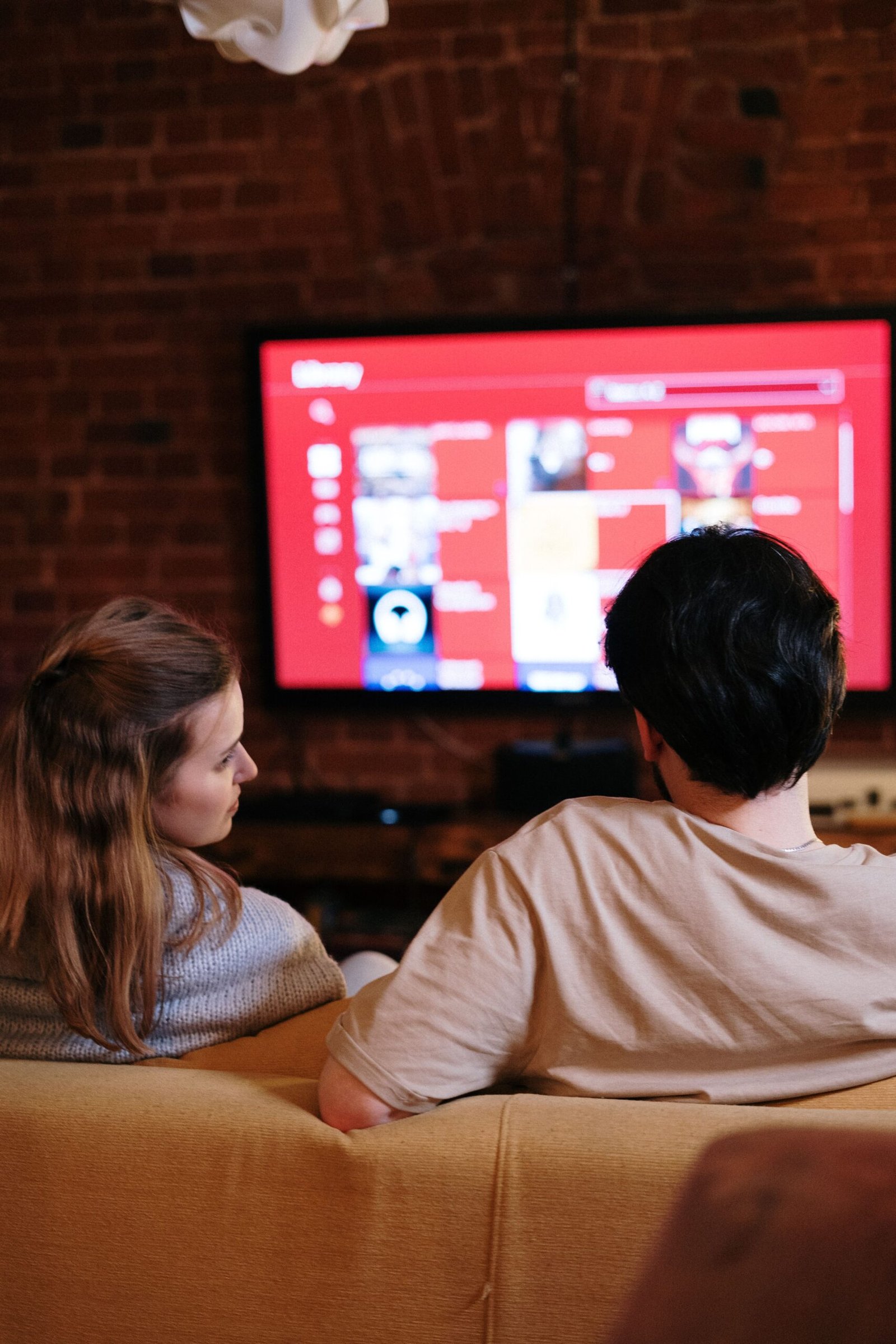
A smart TV is now the centre of most living rooms, but buying one can feel like learning a new language. OLED, QLED, 4K, refresh rates, HDR, smart platforms, and screen sizes all compete for your attention, and sales staff do not always explain what actually matters. The good news is that choosing a smart TV is much simpler than the labels make it sound. If you know how big your room is, how far you sit from the screen, and what you watch most, you can narrow hundreds of models down to a short list in minutes.
This beginner’s guide explains how to choose a smart TV in 2026 in plain English. You will learn what screen size you need, what OLED and QLED really mean, which smart TV system is easiest to use, how much you should spend, and what features are worth paying extra for. By the end, you will know exactly what to look for, and what you can safely ignore, when you go shopping.
What Is a Smart TV?
A smart TV is a television with a built-in computer that connects to the internet. That lets you watch Netflix, YouTube, Disney+, and other streaming apps directly on the TV, without a separate box or stick. You can also browse the web, play games, use video calling apps, and control smart home devices from your television. Most smart TVs come with a voice remote, so you can search for a show by speaking instead of typing with an on-screen keyboard.
Almost every TV sold today is a smart TV, even the cheapest models. The difference is not whether a TV is smart, but how good its smart system is. Some systems are fast, simple, and have all the apps you want. Others are slow, confusing, or missing a popular app. That is why the smart platform matters almost as much as the picture quality, and why it is worth checking before you buy, rather than after you have taken the TV home.
What Size Smart TV Should You Buy?
Size is the first decision, and it is also the one people most often get wrong. Many people buy a TV that is too small, because a 55-inch TV looks huge in a shop and much smaller once it is on your wall at home. A good rule is to measure how far you sit from the screen, in inches, and divide by two. If you sit about 120 inches (10 feet) away, a TV of around 60 inches will fill your view nicely. If you sit about 80 inches (just over 6 feet) away, a 43 to 50-inch TV is usually right.
As a simple guide, a 43-inch TV suits a small bedroom or a flat where you sit close to the screen. A 55-inch TV is a good choice for most living rooms, and it is the most popular size for a reason. A 65-inch TV works well in a larger living room, and a 75-inch or larger TV is best for a big open-plan room or a home cinema setup. Before you buy, check the width of the TV stand or wall space, because a TV that is too wide for its stand will look wrong and can be unsafe. Also remember that a larger TV shows up the flaws in low-quality video more clearly, so if you mostly watch old shows or standard-definition channels, a huge screen will not always look better.
OLED vs QLED vs LED: What Is the Difference?
Most TVs today use one of three screen types. A standard LED TV uses a backlight behind a liquid crystal screen. It is the cheapest option, it gets bright enough for a sunny room, and the picture is good for everyday watching. A QLED TV is a type of LED TV with an extra layer that makes colours brighter and more vivid. It is a good middle choice: brighter than a normal LED TV, with better colour, but without the high price of the best screens.
An OLED TV is different. Each pixel makes its own light, so when a pixel needs to be black, it simply turns off. That gives OLED TVs perfect blacks, amazing contrast, and a picture that looks stunning in a dark room, especially for films. OLED TVs are usually more expensive, and they are not as bright as QLED TVs in a very sunny room, but for film lovers they are widely seen as the best picture you can buy. If you watch mostly in the evening, and you love films, OLED is worth considering. If you watch in a bright room, or you want the biggest screen for your money, a good QLED or LED TV will serve you better.
You will also see the term 4K on almost every TV. 4K means the screen has about 3,840 by 2,160 pixels, which is four times the detail of an older Full HD TV. Almost all new TVs are 4K, and you do not need to pay extra for it. 8K TVs exist, with even more pixels, but there is very little 8K content to watch, and the difference is hard to see unless you sit very close to a very large screen. For most people in 2026, 4K is the right choice, and 8K is not worth the extra cost.
What Is HDR and Refresh Rate?
HDR stands for High Dynamic Range. It is a way of showing brighter highlights and darker shadows in the same picture, so a sunset looks more real, and a dark scene still shows detail. HDR makes a bigger difference to picture quality than the jump from Full HD to 4K for many people. Look for a TV that supports HDR10 and Dolby Vision, which are the most common HDR formats, and check that the TV is bright enough to show HDR properly. A cheap TV that says HDR on the box but cannot get very bright will not show much benefit.
Refresh rate is how many times per second the TV updates the picture, measured in hertz (Hz). A 60Hz TV updates 60 times per second, which is fine for films, news, and most TV shows. A 120Hz TV updates twice as often, which makes fast sports and action scenes look smoother, and it is better for gaming. If you play games on a new games console, a 120Hz TV with HDMI 2.1 ports is worth looking for. If you mostly watch films and dramas, 60Hz is perfectly fine, and you do not need to pay extra for 120Hz.
Which Smart TV System Is Best?
The smart TV system is the menu and apps on your TV, and the main choices are Google TV, Samsung’s Tizen, LG’s webOS, Roku TV, and Amazon Fire TV. Google TV is simple, has a good search, and works well if you use Google services or an Android phone. Samsung’s Tizen and LG’s webOS are both fast and easy to use, with a row of apps along the bottom of the screen. Roku TV is known for being the simplest system of all, with a plain menu that even non-technical users find easy. Amazon Fire TV is a good choice if you use Amazon Prime Video a lot, and it has Alexa voice control built in.
Before you buy, check that the TV has the apps you actually use. Most systems have Netflix, YouTube, Disney+, and the main catch-up apps, but a few apps are missing from some systems. Also check how the remote feels, because you will use it every day. A remote with shortcut buttons for your favourite apps can save a lot of time. If you already use a streaming stick or a games console, the TV’s smart system matters less, because you can use your stick or console for apps instead. And if you want to understand the streaming services themselves, read our guide to what streaming is and how video and music streaming actually works.
How Much Should You Spend on a Smart TV?
Smart TV prices vary a lot by size and screen type. A good 43-inch LED TV can cost 250 to 400 dollars, a good 55-inch TV costs 400 to 800 dollars, and a good 65-inch TV costs 600 to 1,200 dollars. OLED TVs cost more: a 55-inch OLED TV usually starts at around 1,000 dollars, and a 65-inch OLED can cost 1,500 dollars or more. You do not need to buy the most expensive model to get a good picture. The middle of the range usually gives you the best value, with a bright screen, good HDR, and a fast smart system.
The best time to buy is often during big sales, such as Black Friday, or when a new model comes out and last year’s model is discounted. Last year’s TV is often almost identical to the new one, but much cheaper. Also think about extra costs: a wall mount, a soundbar, and a longer HDMI cable can add 100 dollars or more. Many people are disappointed by the sound of a new TV, because modern TVs are so thin that their speakers are small. A simple soundbar makes a bigger difference to your enjoyment than a slightly better screen, and it is worth budgeting for one. For help with a different kind of screen, see our guide to how to choose a monitor for work, gaming, and study in 2026.
Smart TV Buying Checklist
- Measure your space: check the width of your stand or wall, and how far you sit from the screen.
- Pick the right size: 55 inches suits most living rooms, 65 inches suits larger rooms.
- Choose the screen type: LED for value, QLED for bright rooms, OLED for the best film picture.
- Check HDR and refresh rate: HDR10 and Dolby Vision, and 120Hz if you game.
- Test the smart system: make sure it has your apps and is easy to use.
- Count the ports: you need enough HDMI ports for your console, soundbar, and other devices.
- Listen to the sound: plan for a soundbar if the TV’s speakers sound thin.
Conclusion
Choosing a smart TV in 2026 does not need to be confusing. Start with size: measure your room and your viewing distance, and buy the biggest TV that fits comfortably. Then choose the screen type for your room: a bright QLED for a sunny room, or an OLED for the best film picture in a dark room. Check that the smart system has the apps you use, and that the TV has enough HDMI ports for your devices. Buy in the middle of the price range for the best value, look for a sale, and budget for a soundbar. Do that, and your new smart TV will be a pleasure to watch for years.
Frequently Asked Questions
What size smart TV should I buy for my living room?
A 55-inch TV suits most living rooms, and a 65-inch TV suits a larger room. Measure how far you sit from the screen and divide by two to get a good size in inches, and check that the TV fits your stand or wall before you buy.
Is OLED better than QLED?
OLED has better blacks and contrast, and looks best in a dark room for films. QLED is brighter, better in a sunny room, and usually cheaper for the same size. Neither is better for everyone: it depends on your room and what you watch.
Do I need an 8K TV?
No, not in 2026. There is very little 8K content, and the difference from 4K is hard to see unless you sit very close to a very large screen. A good 4K TV is the right choice for almost everyone.
Which smart TV system is easiest to use?
Roku TV is often seen as the simplest system, with a plain menu and easy search. Google TV, Samsung Tizen, and LG webOS are also easy to use, and the best choice often depends on which phone and services you already use.
Do smart TVs need a soundbar?
Most modern TVs have small, thin speakers, so dialogue can sound quiet or unclear. A simple soundbar makes a big difference, especially for films and dramas, and is often a better use of money than a slightly more expensive TV.