
Understanding how the internet works feels like magic until someone explains it — then it feels like genius engineering. You click a link and a page appears instantly, as if the website were waiting inside your computer. But that page may live on a server thousands of miles away, and getting it to your screen involves a relay race across a dozen different systems, each doing one job perfectly. Follow one click on its journey and the whole internet starts to make sense.
In this plain-English guide, we’ll trace what happens from the moment you press Enter — through your router, your internet provider, the mysterious DNS system, undersea cables, and giant data centers — to the moment a website appears. No engineering degree required.
It Starts at Home: Your Router
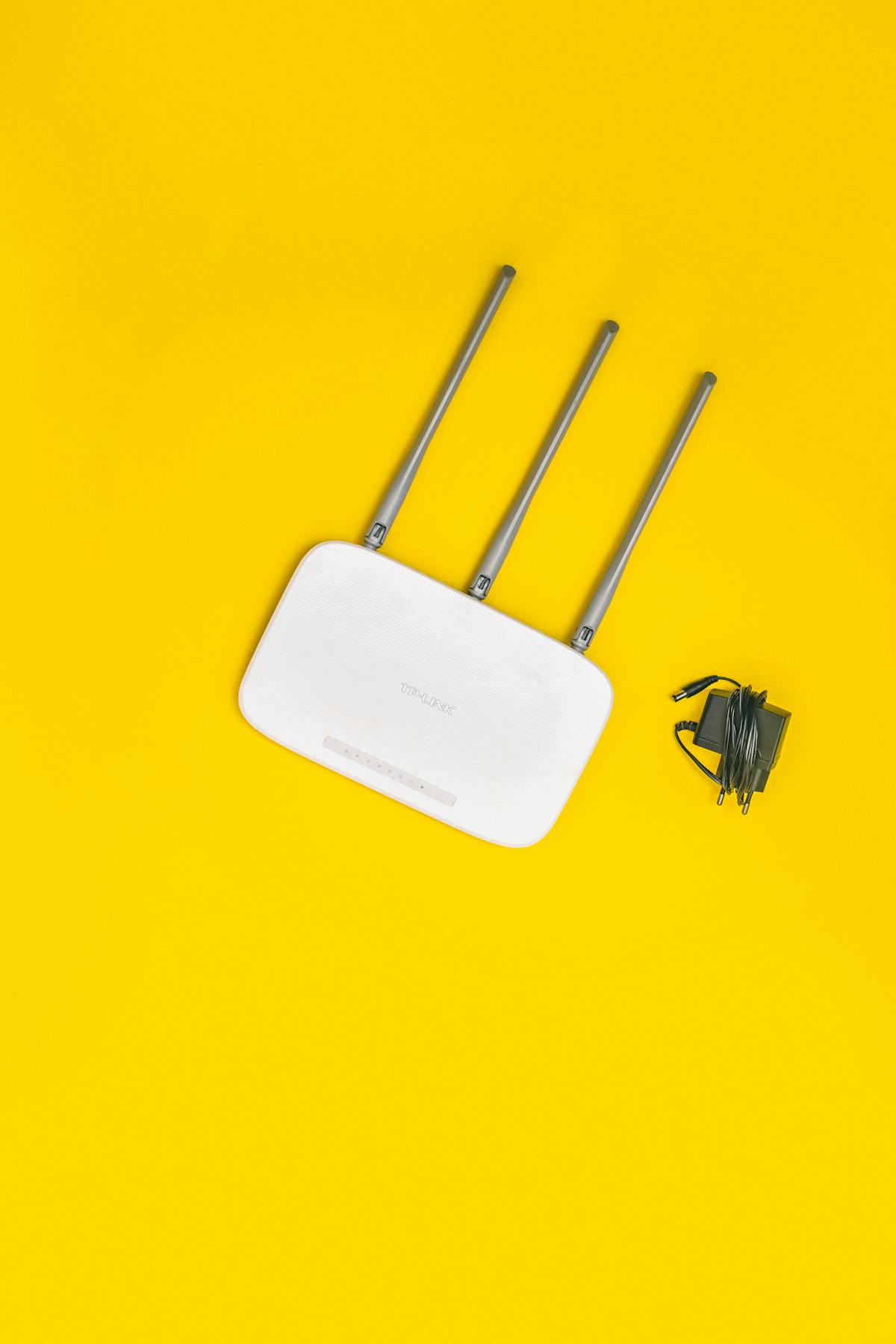
Everything begins with your router — the small box with blinking lights that connects your home to the wider world. Your laptop, phone, and smart TV don’t talk to the internet directly; they talk to your router, usually over Wi-Fi, and your router talks to the internet on their behalf.
Think of your router as a combination of a receptionist and a mailroom. When your laptop wants to visit a website, it hands the request to the router. The router notes which device asked, forwards the request outward using your home’s single public address, and when the reply comes back, routes it to the correct device. This juggling act — called NAT, or Network Address Translation — is why dozens of your devices can share one internet connection.
Your router also runs a firewall, blocking unsolicited incoming traffic, and it hands out local addresses (like 192.168.1.5) to your devices so they can find each other. It’s doing a lot more than “providing Wi-Fi.”
Your ISP: The On-Ramp to the Internet
From your router, the request travels — usually over a cable, fiber-optic line, or phone line — to your ISP (Internet Service Provider), the company you pay for internet access. The ISP is your on-ramp to the global network.
ISPs operate regional networks and connect them to other ISPs’ networks at internet exchange points — physical buildings where networks plug into each other and trade traffic. There’s no single company “in charge” of the internet; it’s a voluntary federation of tens of thousands of networks agreeing to carry each other’s data. Your ISP’s job is to get your request onto this federation heading in the right direction.
This is also where speed and reliability come from. Fiber-to-the-home offers huge capacity and low delay; older cable or DSL lines offer less. When your video call stutters, the bottleneck is often this “last mile” between your home and the ISP — or Wi-Fi congestion inside your home, which is why a wired connection still beats wireless for stability.
DNS: The Internet’s Phone Book
Here’s a problem: computers don’t understand names like example.com — they communicate using numerical IP addresses like 93.184.216.34. So how does typing a friendly name reach the right computer? Enter DNS, the Domain Name System — quite literally the internet’s phone book.
When you type a web address, your computer first asks a DNS server: “What’s the IP address for this name?” The answer usually comes back in milliseconds, thanks to layers of caching — your computer remembers recent lookups, your router remembers more, and your ISP’s DNS servers remember millions.
If nobody has the answer cached, the query climbs a hierarchy: from the DNS root servers (which know where to find information about “.com”), to the “.com” servers (which know where “example.com” lives), to the domain’s own name servers (which give the final IP address). This whole chain typically resolves in a fraction of a second, and it happens before a single byte of the actual website is requested. When DNS breaks, the internet feels broken — pages won’t load even though your connection is fine — which is why some people switch to faster public DNS services.
Packets: How Data Actually Travels
Your request doesn’t travel as one piece. It’s chopped into small chunks called packets, each labeled with its destination address and a sequence number. Packets from the same request can take different routes across the internet — hopping from router to router, each router forwarding them one step closer to the destination — and get reassembled in order when they arrive.
This design is the internet’s superpower. If a cable is cut or a router fails, packets simply route around the damage. There’s no single point of failure, no central switchboard. The system that moves your data was designed to survive parts of itself being destroyed — a legacy of its origins as a military research project.
Each hop adds a tiny delay, measured in milliseconds. A packet crossing an ocean travels through undersea fiber-optic cables — hair-thin glass strands carrying light pulses, bundled into cables as thick as your arm, lying on the ocean floor. Over 95% of intercontinental internet traffic travels this way, not by satellite. The physical internet is, to a surprising extent, a network of ships’ cables.
Servers and Data Centers: Where Websites Live
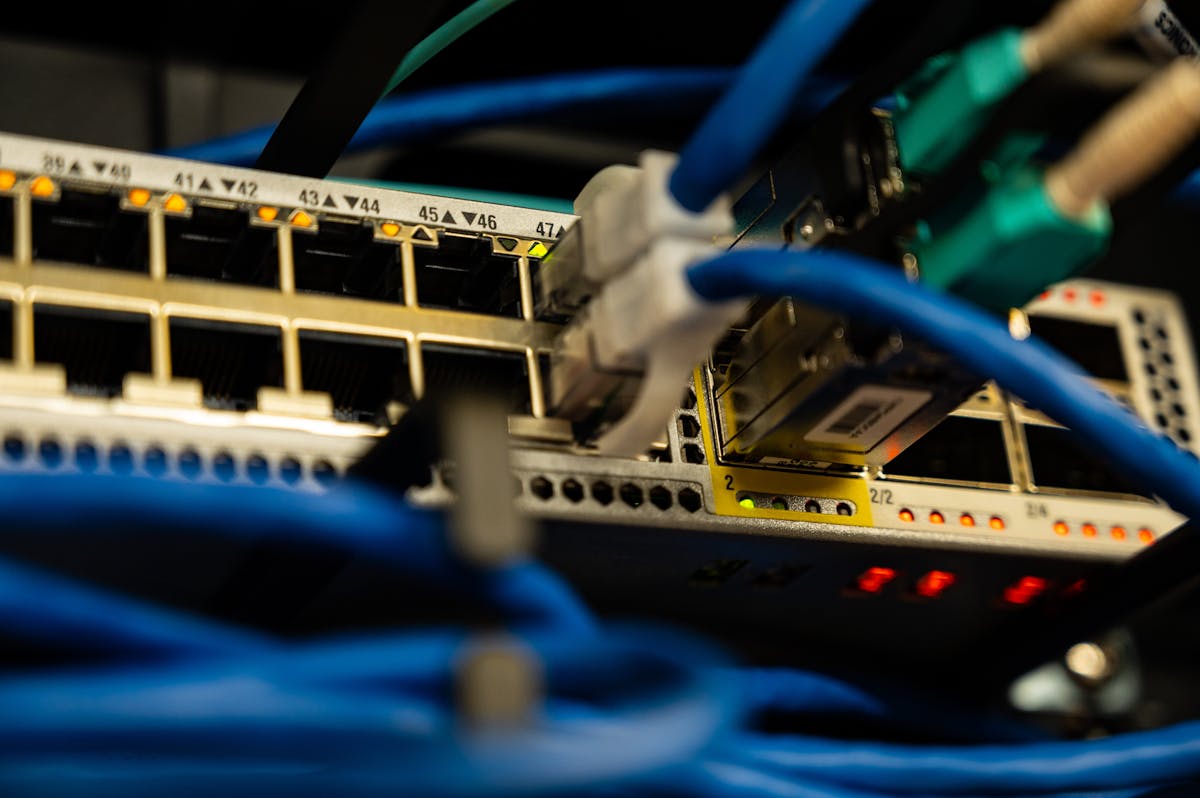
After its journey across the internet, your request arrives at a server — a powerful computer whose job is to serve websites to visitors. That server lives in a data center: a warehouse-sized building packed with thousands of servers, with redundant power, industrial cooling, and multiple fiber connections to the internet backbone.
The server reads your request (“send me the homepage”), fetches or generates the page, and sends it back as packets that retrace the journey in reverse — server to backbone, across ISPs and exchanges, to your ISP, to your router, to your device. Your browser then assembles the packets, interprets the HTML, CSS, and JavaScript, and paints the page on your screen.
Big sites don’t rely on one server. They use CDNs (Content Delivery Networks) — global networks of cache servers that keep copies of popular content in dozens of cities. When you load a page, you often get it from a CDN server in your own city rather than the origin server across the world, which is why the modern web feels instant.
HTTPS: The Envelope That Keeps It Private
One more critical piece: encryption. In the early web, data traveled as readable text — anyone along the route (your ISP, a coffee-shop Wi-Fi snooper) could read it. Today, most sites use HTTPS, which wraps your communication in encryption.
Here’s the simplified version: when your browser connects to a secure site, they perform a cryptographic handshake that establishes a secret only they know, verified by a certificate issued to the real site owner. From then on, everything — the pages you visit, the forms you fill — travels as gibberish to eavesdroppers. The padlock in your address bar means this envelope is in place. Never enter passwords or card numbers on a site without it.
Putting It All Together: One Click’s Journey
Let’s recap the full trip of a single click, which typically completes in under a second:
1. You press Enter. Your browser asks DNS for the site’s IP address (milliseconds, often cached). 2. Your computer hands packets to your router, which forwards them to your ISP via NAT. 3. Your ISP routes packets across the internet’s federation of networks — through exchanges, along fiber, possibly under an ocean — each router forwarding them closer. 4. Packets arrive at the server (or a nearby CDN cache), which generates the page and sends it back as packets. 5. Your router delivers them to your device; your browser assembles and renders the page. All of it encrypted with HTTPS.
Every email, video stream, and video call follows the same pattern — just with far more packets, flying continuously in both directions.
Why This Matters to You
Understanding how the internet works isn’t just trivia — it makes you a smarter user. Slow speeds? You’ll know to check Wi-Fi vs. wired, then the ISP, before blaming the website. A page won’t load? DNS might be the culprit, and switching DNS servers is a two-minute fix. Concerned about privacy? You now know exactly who can see what: your ISP sees which sites you visit (unless you use a VPN), but HTTPS keeps the contents private.
It also explains why the internet is so resilient. No single company owns it, no single cable carries it, and packets route around damage automatically. The system handling your click was designed by thousands of people over decades, bound together by open standards anyone can implement. That’s worth appreciating the next time a page appears “like magic.”
Conclusion
How does the internet actually work? It’s a relay: your router hands your request to your ISP, DNS translates names to addresses, packets hop across a federation of networks (often under oceans), servers and CDNs respond, and your browser assembles it all — encrypted — in under a second. No magic, just layered engineering where each piece does one job well.
The next time you click a link, picture the journey: the blinking router, the fiber under the sea, the humming data center, and the packets racing home. And if you ever need to share a link the physical way — say, a Wi-Fi password for guests — the free QR Code Generator on the TechInsures Tools hub turns any URL or text into a scannable code in seconds, no sign-up needed.