
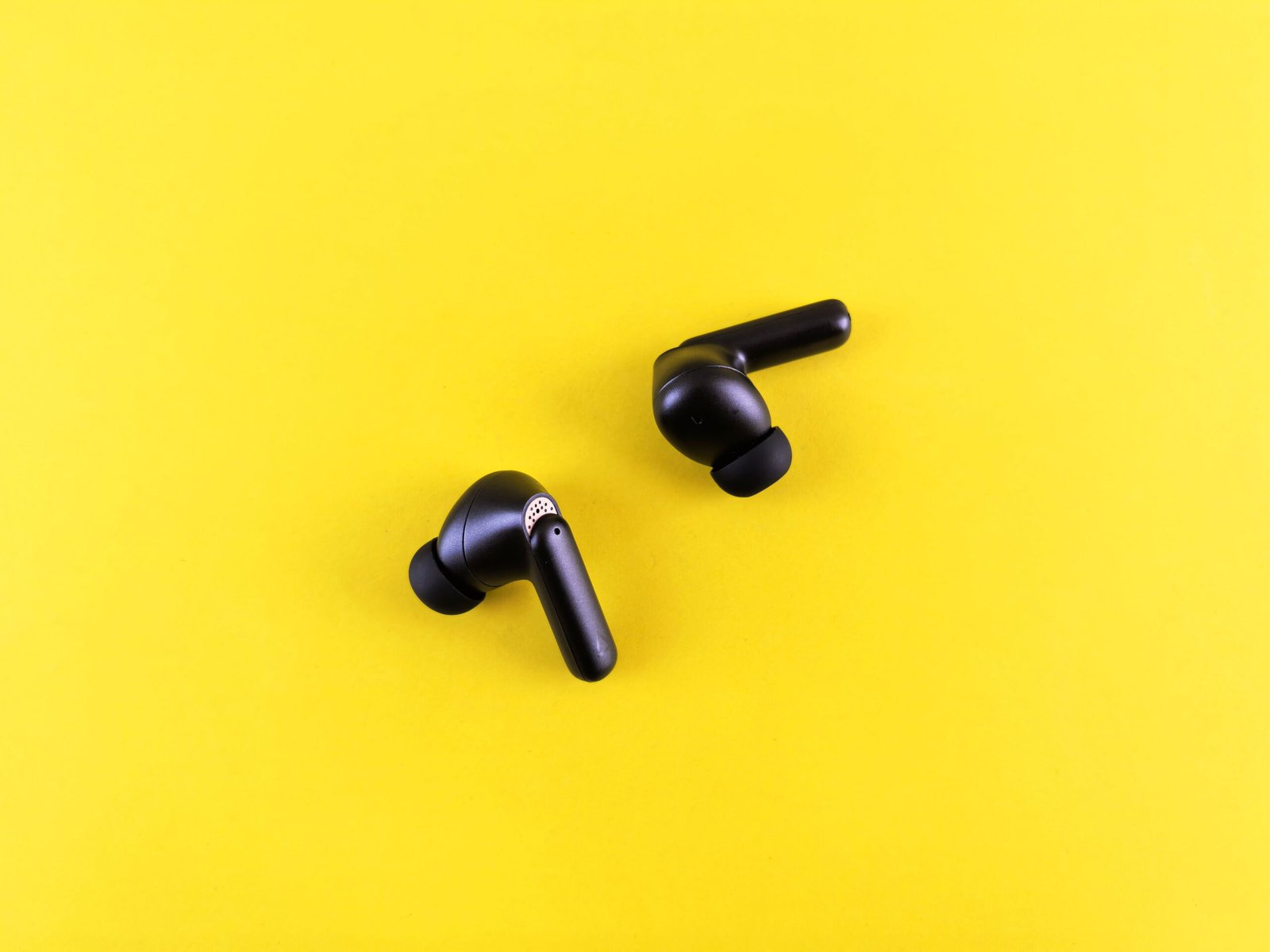
Bluetooth connects your headphones, speakers, keyboard, mouse, and smartwatch to your phone or computer without any wires. You switch on Bluetooth, choose a device from a list, and the two devices start talking to each other over a short-range radio link. It happens so quickly and so reliably that most people never think about how it works, until it stops working. Then you are left wondering why your headphones will not connect, or why the music keeps cutting out.
This beginner’s guide explains how Bluetooth works in plain English. You will learn what Bluetooth is, how two devices find and trust each other, how far Bluetooth reaches, what the different versions mean, and how to fix the most common connection problems. By the end, you will understand the wireless technology that is in almost every phone, laptop, and gadget you own.
What Is Bluetooth?
Bluetooth is a short-range wireless technology that lets devices exchange data over radio waves. It was created in the late 1990s as a way to replace the cables between a phone and a headset, and it is named after Harald Bluetooth, a Viking king who united Denmark and Norway. The Bluetooth logo is made from his initials in old Norse runes, which is a nice piece of history for a technology that is now in billions of devices.
Bluetooth is designed for short distances and low power. It is not meant to replace Wi-Fi, which is faster and works over a longer range, but uses more power. Bluetooth is meant for the small jobs: sending music to your headphones, connecting a keyboard to a tablet, sharing a photo between two phones, or sending health data from a smartwatch to your phone. It uses very little battery, which is why your wireless earbuds can last for hours on a tiny battery.
How Does Bluetooth Work?
Bluetooth works by sending data as radio waves in the 2.4 GHz frequency band, which is the same band used by Wi-Fi and many other wireless devices. To avoid interference, Bluetooth does not stay on one frequency. It hops between 79 different channels, changing channel hundreds of times every second. If one channel is busy, because a Wi-Fi router is using it, Bluetooth simply hops to another one. That hopping is one reason Bluetooth can work reliably in a room full of other wireless devices.
When two Bluetooth devices connect, they form a small network called a piconet. One device acts as the master, usually your phone or computer, and the other devices act as slaves, such as your headphones or your smartwatch. The master controls the timing of the connection, and it can connect to several slaves at once. That is how your phone can be connected to your headphones and your smartwatch at the same time, and how it can switch between them when a call comes in.
Before two devices can talk to each other, they need to pair. Pairing is a one-time setup where the devices exchange a secret key, so they can trust each other in future. When you put your headphones into pairing mode and choose them from the list on your phone, the two devices agree on a key, and from then on they will connect automatically when they are close to each other and both switched on. That key is also what keeps your connection private, so someone nearby cannot listen to your music or read data from your smartwatch.
Bluetooth Range and Versions
Classic Bluetooth has a range of about 10 metres, or 30 feet, in open space. That is enough for headphones, a keyboard, or a speaker in the same room, but walls and your body can reduce the range. Bluetooth 5, which is in most modern phones, can reach much further, up to 40 metres indoors and 200 metres outdoors in ideal conditions, and it can send data twice as fast as older versions. It also uses less power, which is why it is used for smart home devices and fitness trackers that need to run for months on a small battery.
There are several Bluetooth versions, and the number matters. Bluetooth 4 introduced Bluetooth Low Energy, or BLE, which is used by smartwatches, fitness trackers, and smart home sensors. Bluetooth 5 improved range, speed, and power use. Bluetooth 5.2 and 5.3 added better audio, including a feature called LE Audio, which can send sound to two pairs of headphones at once, and which improves sound quality while using less battery. When you buy a new device, look for Bluetooth 5 or later, because it will connect more reliably and use less power than an older version.
Bluetooth and Wi-Fi are often compared, because they both use radio waves, but they are designed for different jobs. Wi-Fi is faster and works over a longer range, which makes it better for browsing the web, streaming video, and downloading files. Bluetooth is slower and works over a short range, but it uses far less power and is simpler to set up, which makes it better for connecting accessories. Most devices have both, and they work together: your phone uses Wi-Fi to download music, and Bluetooth to send that music to your headphones.
What Can You Connect With Bluetooth?
Headphones and earbuds are the most common Bluetooth devices, and they are also the ones most people use every day. Wireless earbuds connect to your phone, and many can also connect to two devices at once, so you can listen to music on your laptop and take a call on your phone without changing anything. If you are choosing between earbuds and larger headphones, read our guide to earbuds vs headphones and which you should buy in 2026.
Speakers, keyboards, mice, game controllers, smartwatches, fitness trackers, and car audio systems all use Bluetooth too. In a car, Bluetooth lets you play music from your phone through the car’s speakers and take hands-free calls. In a smart home, Bluetooth connects light bulbs, locks, and sensors to your phone or to a hub. Bluetooth is also used for sharing files between phones, for connecting a phone to a printer, and for finding lost items with a small Bluetooth tracker.
How to Pair a Bluetooth Device
- Turn on Bluetooth: on your phone or computer, open Settings and turn Bluetooth on.
- Put the device in pairing mode: usually by holding a button until a light flashes, or by opening the case of your earbuds.
- Choose the device: on your phone or computer, tap the device name in the list of available devices.
- Confirm the pairing: if a code appears, check that it matches on both devices, then tap Pair.
- Test the connection: play some music or type on the keyboard to check that it works.
Once paired, the devices should connect automatically in future. If they do not, check that Bluetooth is on, that the device is charged, and that it is not already connected to another phone or computer. Many Bluetooth devices can only connect to one device at a time, so if your headphones are connected to your laptop, they may not connect to your phone until you disconnect them from the laptop first.
Fixing Common Bluetooth Problems
If Bluetooth will not connect, the first step is the simplest: turn Bluetooth off and on again on both devices, and restart the device if that does not help. That fixes most problems, because it clears a temporary fault in the connection. If that does not work, forget the device in your Bluetooth settings and pair it again from scratch. That creates a new secret key and often fixes a pairing that has become confused.
If the sound keeps cutting out, move closer to the device you are connected to, and check for interference. Walls, metal objects, and your own body can block Bluetooth, and a busy Wi-Fi network can interfere with it. Try moving your phone to the same side of your body as your earbuds, or move away from a microwave or a crowded Wi-Fi area. If the problem continues, check for a software update for your phone and for the device, because updates often fix Bluetooth problems. And if your device will not charge, the problem may not be Bluetooth at all: read our guide to how wireless charging works to check whether your charger and your device are compatible.
Is Bluetooth Safe?
Bluetooth is generally safe for everyday use, but it is worth taking a few simple precautions. Keep your devices updated, because updates fix security flaws in Bluetooth. Turn Bluetooth off when you are not using it, especially in a crowded place, so your device is not visible to strangers. Do not accept pairing requests from devices you do not recognise, and do not pair with a device in a public place if you are not sure who owns it. Those simple habits will keep your Bluetooth connections private and secure.
Conclusion
Bluetooth is a short-range wireless technology that connects your headphones, speakers, keyboard, smartwatch, and other accessories to your phone or computer, using radio waves that hop between channels to avoid interference. It works by pairing devices once, so they trust each other and connect automatically in future, and modern versions offer a longer range, faster speed, and lower power use. If Bluetooth stops working, turn it off and on again, forget the device and pair it again, and check for updates. With those simple steps, Bluetooth is one of the most useful and reliable wireless technologies you will ever use.
Frequently Asked Questions
How does Bluetooth work in simple words?
Bluetooth sends data as radio waves between two devices that are close together. The devices pair once, agree on a secret key, and then connect automatically when they are near each other, hopping between radio channels to avoid interference.
How far does Bluetooth reach?
Classic Bluetooth reaches about 10 metres, or 30 feet. Bluetooth 5 can reach much further, up to 40 metres indoors and 200 metres outdoors in ideal conditions, although walls and your body will reduce that range in practice.
Why won’t my Bluetooth headphones connect?
Check that Bluetooth is on, that the headphones are charged and in pairing mode, and that they are not already connected to another device. Then turn Bluetooth off and on again, or forget the device and pair it again from scratch.
Is Bluetooth the same as Wi-Fi?
No. Wi-Fi is faster and works over a longer range, and it is used for internet access. Bluetooth is slower and works over a short range, but it uses much less power, and it is used to connect accessories such as headphones, keyboards, and smartwatches.
Does Bluetooth use a lot of battery?
No. Bluetooth, especially Bluetooth Low Energy, uses very little battery. That is why wireless earbuds and smartwatches can run for hours or days on a small battery, even while they stay connected to your phone.