
If you have ever shopped for a computer, played a game, or edited a video, you have probably seen the words graphics card or GPU, and you may have wondered what they actually mean. A graphics card, also called a GPU, is one of the most important parts of a modern computer, and it is the reason your screen can show smooth video, detailed games, and sharp photos. In this guide, we explain what a graphics card is, how a GPU works, and how to decide whether you need one, in plain English and without assuming any technical background.
What Is a Graphics Card?
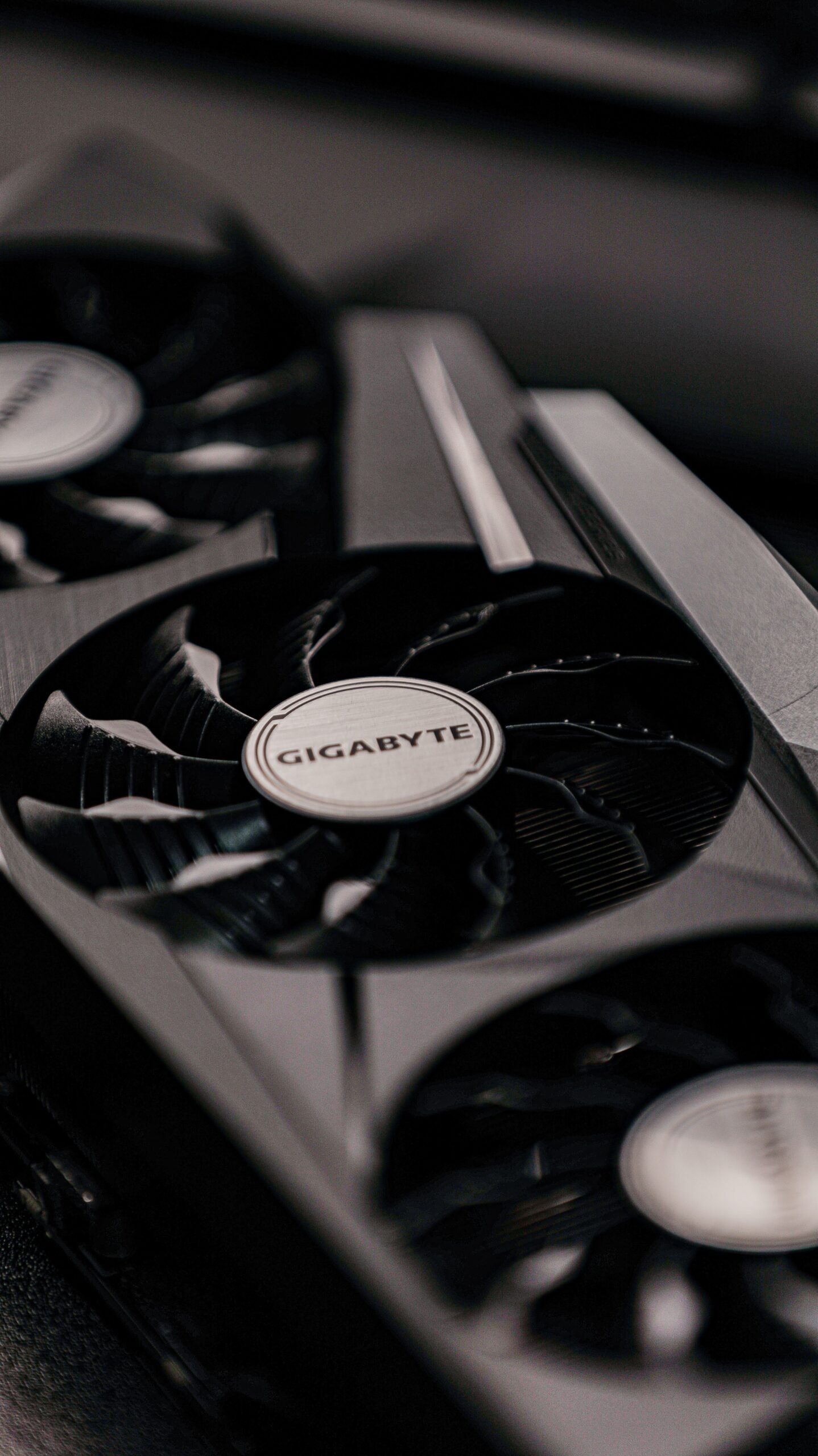
A graphics card is a piece of computer hardware that turns data into the pictures, videos, and animations you see on your screen. Every computer needs some way to do this job. In many laptops and office computers, the job is done by a small graphics processor built into the main processor. In gaming computers, video editing workstations, and many desktop computers, the job is done by a separate card that plugs into the computer and has its own processor, memory, and cooling fans. That separate card is what most people mean when they say graphics card. Its full name is a graphics processing unit, or GPU, although the whole card is often called a GPU as well. The card takes instructions from your programs, works out what each pixel on the screen should look like, and sends the finished image to your monitor many times every second. Without it, your computer could still run, but it would struggle with anything visual, from a simple video call to a modern game. A good graphics card makes everything on screen look better and move more smoothly, and it frees up the rest of the computer to do other work at the same time.
How Does a GPU Work?
A GPU works by doing many small calculations at the same time. Your main processor, the CPU, is very good at doing a small number of difficult tasks one after another, very quickly. A GPU is different. It contains thousands of small cores, and each core can handle one simple calculation, such as working out the colour of a single pixel or the position of a point in a three-dimensional scene. Because a picture on your screen contains millions of pixels, and a game may need a new picture sixty times every second, this kind of parallel work is exactly what is needed. When you open a game, the program sends the GPU a description of the scene, including shapes, textures, lighting, and the position of the camera. The GPU turns that description into a flat image, adds shadows and reflections, and stores the result in its own memory, called VRAM. It then sends the finished frame to your monitor, and immediately starts work on the next frame. The same idea applies to video editing, where the GPU can apply effects and render previews far faster than the CPU alone, and to artificial intelligence, where the GPU can run the same calculation on thousands of pieces of data at once. This is why graphics cards are now used far beyond gaming, in science, design, and machine learning.
GPU vs CPU: What Is the Difference?
The difference between a GPU and a CPU comes down to how they are built for different kinds of work. A CPU usually has between four and sixteen powerful cores, and it is designed to be flexible. It runs your operating system, opens your apps, manages files, and makes decisions, jumping between many different tasks. A GPU has thousands of much simpler cores, and it is designed to do one kind of work, visual and mathematical calculations, on a huge amount of data at once. Think of the CPU as a small team of very clever managers who can solve any problem, and the GPU as a huge team of workers who can each do one simple job at the same time. Neither can replace the other. A computer without a CPU cannot run at all, while a computer without a separate GPU can still work, using the graphics built into its CPU, as long as you do not ask it to do demanding visual work. When you watch a video, the GPU decodes the picture so the CPU does not have to. When you play a game, the GPU draws the world while the CPU handles the game logic, the physics, and the sound. Understanding this split helps you see why upgrading a graphics card helps games and video editing so much, but does very little for simple tasks such as writing documents or browsing the web.
Integrated Graphics vs Dedicated Graphics Cards
There are two main kinds of graphics in a computer. Integrated graphics are built into the same chip as the CPU, and they share the computer’s main memory. They use very little power, produce very little heat, and are perfectly fine for everyday use, including web browsing, office work, streaming video, and light photo editing. Most thin laptops, office computers, and budget machines use integrated graphics, and for many people they are all that is needed. A dedicated graphics card is a separate component with its own processor, its own memory, and its own cooling system. It is much more powerful, but it also uses more power, costs more, and takes up more space. Dedicated cards are found in gaming desktops, gaming laptops, and workstations used for video editing, 3D design, and scientific work. The right choice depends on what you do. If you mainly use a computer for email, documents, and video calls, integrated graphics will save you money and battery life. If you play modern games, edit 4K video, or work with 3D models, a dedicated card will make a very real difference. Some laptops have both, and they switch between the two automatically, using integrated graphics to save battery and the dedicated card when you need extra power. When you are choosing a computer, check which kind of graphics it has, because it is one of the biggest factors in both price and performance.
What Do VRAM, Cores, and Clock Speed Mean?
Graphics card specifications can look confusing, but a few terms matter more than the rest. VRAM, or video memory, is the memory on the graphics card itself. It stores textures, images, and frames while the GPU works on them. More VRAM helps when you play games at high resolutions, use large monitors, or edit high-resolution video, because there is more room to hold the data the GPU needs. For most people, eight gigabytes of VRAM is a good starting point in 2026, while twelve or sixteen gigabytes is better for demanding games and professional work. Cores, often called CUDA cores on one brand and stream processors on another, are the small processing units inside the GPU. More cores usually mean more power, but only when you compare cards from the same generation and the same brand. Clock speed, measured in gigahertz, tells you how fast those cores run. A higher clock speed is better, but it is not the whole story, because a newer card with more cores can be faster than an older card with a higher clock speed. Other features matter too, including ray tracing, which makes light and shadows look more realistic, and upscaling technology, which lets a card produce a sharp image while doing less work. Rather than comparing single numbers, look at independent reviews and benchmarks for the games and programs you actually use, because real-world performance is the best guide.
How to Choose a Graphics Card in 2026
Choosing a graphics card starts with your budget and your monitor. A card that is perfect for a 1080p monitor may struggle on a 4K monitor, so match the card to the resolution you play or work at. Next, think about what you will use it for. Casual gamers and people who edit photos can choose a mid-range card, while people who play the newest games at high settings, edit 4K video, or train small AI models will want something more powerful. Check that your computer can actually use the card you want. A desktop card needs a free slot on the motherboard, enough space in the case, and a power supply with enough wattage and the right connectors. If you are buying a laptop, the graphics card is usually built in and cannot be changed later, so choose carefully at the time of purchase. It also helps to read our guide on how to choose a monitor for work, gaming, and study, because your monitor and your graphics card work as a pair, and a fast card is wasted on a slow, low-resolution screen. Finally, remember that prices change often, and a card from the previous generation can be excellent value if it still handles the games and apps you use. Buy the card that fits your needs today, with a little room to grow, rather than the most expensive card you can find.
Do You Need a Graphics Card?
Not everyone needs a dedicated graphics card, and buying one you do not need is a waste of money. You probably do not need one if you mainly browse the web, write documents, watch streaming video, and make video calls, because modern integrated graphics handle all of that easily. You probably do need one if you play modern games, especially at high settings or high resolutions, if you edit video regularly, if you work with 3D design or animation, or if you run AI tools that use the GPU. If you are not sure, look at what slows your computer down today. If games stutter, video previews lag, or your fans run loudly whenever you open a visual app, a better graphics card may help. If your computer feels slow when you open many browser tabs or large spreadsheets, the problem is more likely to be your processor, your memory, or your storage, and a graphics card will not fix it. A good way to decide is to check the system requirements of the games and programs you use most. If they list a dedicated graphics card as recommended, take that seriously. If they only list integrated graphics, you can save your money for a different upgrade, such as a faster SSD or more memory, which may help you more.
Looking After Your Graphics Card
A graphics card is a durable part, but it needs a little care. Keep your drivers up to date, because driver updates often fix bugs and improve performance in new games and apps. You can download drivers from the card maker’s website, or use its official app, and you should avoid drivers from unknown sources. Keep the card clean and cool, because dust in the fans and vents makes the card run hotter and noisier, and a hot card will slow itself down to protect itself. If you have a desktop computer, clean the dust from the case every few months, and make sure air can flow freely around the card. Watch the temperature if you play demanding games for long periods, and close other heavy programs while you play. If you hear loud fan noise or see visual glitches, such as strange colours or flickering, check that the card is firmly seated, that its power cables are connected, and that your drivers are current. If you are choosing a whole computer rather than a single part, our guide on how to choose a laptop that lasts five years will help you balance the graphics card with the processor, memory, and storage, so no single part holds the rest back.
Conclusion
A graphics card is the part of your computer that turns data into images, and it does that job by running thousands of small calculations at the same time. Integrated graphics are enough for everyday work, while a dedicated card is worth the money if you play modern games, edit video, or work with 3D and AI tools. When you shop, match the card to your monitor and your real workload, check that your computer can power it, and compare real-world reviews rather than single specifications. With the right choice, your screen will look better, your games will run more smoothly, and your creative apps will feel far faster.
Frequently Asked Questions
What is a graphics card used for?
A graphics card turns data into images on your screen. It is used for games, video playback, photo and video editing, 3D design, and AI work, where it draws pictures far faster than a CPU alone.
Is a GPU the same as a graphics card?
Strictly, the GPU is the processor chip on the card, while the graphics card is the whole component, including the chip, memory, and cooling. In everyday language, people use the two terms to mean the same thing.
Do I need a graphics card for a laptop?
Not always. Most laptops have integrated graphics that are fine for browsing, office work, and video. You need a dedicated graphics card in a laptop only if you play demanding games or do heavy video editing or 3D work.
How much VRAM do I need in 2026?
For most people, eight gigabytes of VRAM is a good minimum in 2026. Choose twelve gigabytes or more if you play games at high resolutions or edit 4K video, because those tasks use much more video memory.
Can I upgrade the graphics card in my computer?
In most desktop computers, yes, as long as the new card fits in the case and your power supply is strong enough. In most laptops, the graphics card is built in and cannot be upgraded, so choose carefully when you buy.