

A Chromebook is a simple, fast laptop. Photo: Pexels.
If you have shopped for a laptop lately, you have probably seen Chromebooks: slim, light laptops that cost much less than a Windows laptop or a MacBook. But what is a Chromebook, and who is it best for? A Chromebook is a laptop that runs ChromeOS, an operating system made by Google. Instead of running heavy programs installed on the laptop, it is built around the web: the browser, web apps, and cloud storage do most of the work.
That simple idea is what makes Chromebooks fast, cheap, and easy to use. It is also what limits them, because some programs you may be used to do not run on ChromeOS. In this guide, we explain how a Chromebook works, how it compares with Windows and Mac laptops, who should buy one, and what to look for if you do.
What Is a Chromebook?
A Chromebook is a laptop designed to be simple. When you turn it on, it starts in a few seconds and takes you straight to a familiar screen with a browser, an app launcher, and a taskbar. You sign in with a Google account, and your settings, bookmarks, and files follow you to any Chromebook you use. That makes it easy to share a computer at home or to replace a broken one without losing your work, because your files are stored online in Google Drive as well as on the device.
Chromebooks come in many shapes: small 11-inch models that weigh about a kilogram, standard 14-inch models for everyday use, and larger models with touchscreens that fold back into tablet mode. Many are made by well-known laptop makers such as Acer, Asus, HP, Lenovo, and Samsung, so the build quality and price range are wide, from budget models that cost around 200 dollars to premium models that cost 800 dollars or more.
One thing that surprises many people is that Chromebooks can run Android apps from the Google Play Store. That means you can use many of the apps you already know from your phone, such as Microsoft Office apps, photo editors, and games, directly on your laptop. Some models can also run Linux apps, which is useful for developers and students learning to code.
How Does ChromeOS Work?
ChromeOS is built on the same foundation as the Chrome web browser and the Linux operating system. That makes it light and secure: the system checks itself for changes every time it starts, updates itself in the background, and keeps different parts of the system separate so a problem in one app cannot spread to the rest of the computer.
Instead of installing large programs, you mostly use web apps. Google Docs, Sheets, and Slides replace Microsoft Word, Excel, and PowerPoint. Google Photos replaces a photo library. Streaming services, email, and social media all work in the browser. When you do need an app, you can install it from the Play Store or, on newer models, as a web app that behaves like a normal program.
Storage works differently too. A Chromebook usually has 32 to 128 gigabytes of built-in storage, which is less than a Windows laptop, because the idea is that most of your files live in Google Drive or another cloud service. That is fine if you have an internet connection and do not store a large photo library locally, but it can be a problem if you work offline a lot or you keep many videos on your device.
Chromebook vs Windows Laptop
The biggest difference is what can run on each machine. A Windows laptop can run almost any program made for Windows: full versions of Microsoft Office, Adobe Photoshop, video editing software, and PC games. A Chromebook cannot run those programs directly, although web versions of Office and many editors work fine in the browser, and some have Android versions.
Chromebooks win on speed and simplicity. They start quickly, update automatically, and rarely slow down over time, because there is less software to go wrong. They also need less powerful hardware to feel fast, so a cheap Chromebook often feels quicker than a cheap Windows laptop with the same price tag. If most of your work is in a browser — email, documents, video calls, streaming, and browsing — a Chromebook will feel faster and less frustrating.
Windows laptops win on flexibility. If you need a specific program for work or study, or if you play PC games, you need Windows (or a Mac). A Chromebook is a bad choice if your college course requires a program that only runs on Windows, so check that first.
Chromebook vs MacBook
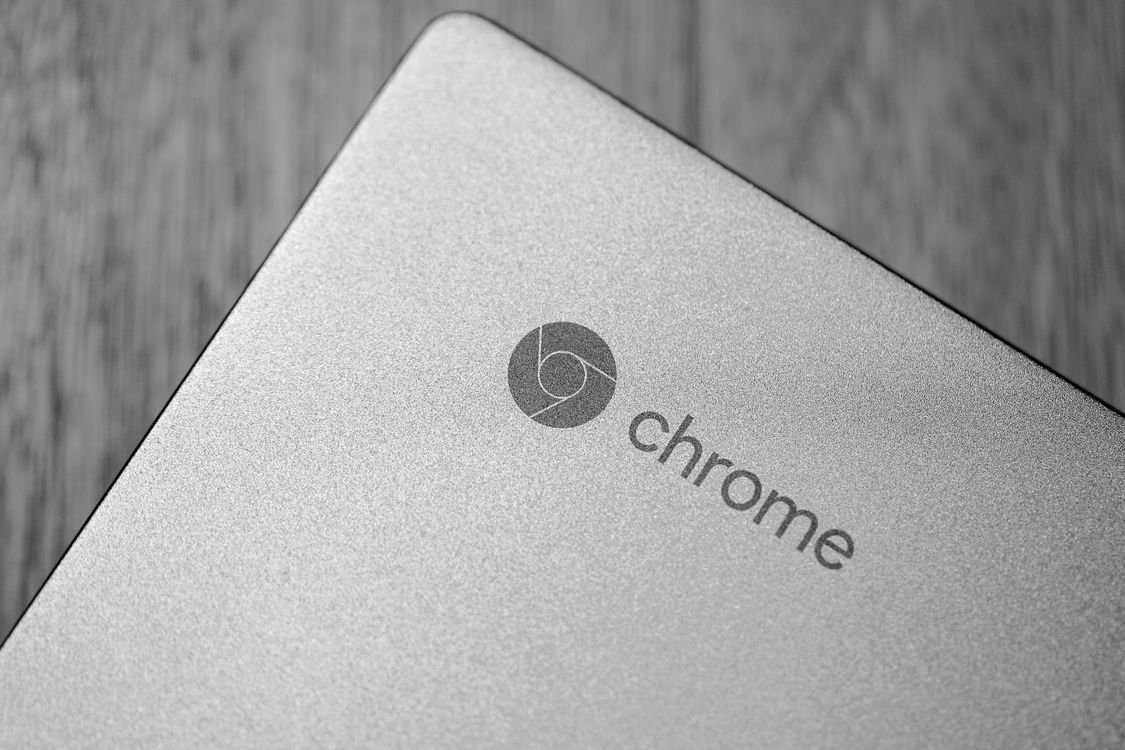
Chromebooks focus on the web, not heavy software. Photo: Pexels.
A MacBook is a premium laptop with a powerful operating system, macOS, that can run professional software such as video editors, music production tools, and design apps. It also works closely with iPhones and iPads. A Chromebook is simpler and much cheaper, and it is built for people who mainly use the web.
For most everyday tasks — writing, email, video calls, and streaming — a Chromebook does the job just as well as a MacBook, at a fraction of the price. If you need professional creative software, or if you are already invested in Apple products, a MacBook is the better choice. Think of it this way: a Chromebook is a great second laptop or a first laptop for simple needs, while a MacBook is a workhorse for people who need more power.
Who Is a Chromebook Best For?
Students are the biggest group of Chromebook users, and for good reason. Schools use them because they are cheap, easy to manage, and hard to break by installing the wrong software. A student who writes essays, researches topics, and joins video lessons will find a Chromebook more than enough. If you are choosing a laptop for school, check whether your school uses Google Classroom, because Chromebooks work with it perfectly.
Casual users who mainly browse the web, watch videos, and write emails will also be happy. A Chromebook is a good choice as a second computer in the living room, as a travel laptop, or as a first laptop for a parent or grandparent who wants something simple. Small businesses that use Google Workspace will find Chromebooks easy to set up for staff, because there is almost nothing to install or maintain.
Chromebooks are also a good choice for anyone who wants a laptop that just works. There are no long updates to install, no drivers to find, and almost no risk of viruses, because the system is locked down and checked every time it starts.
Who Should Not Buy a Chromebook?
A Chromebook is not for everyone. If you play PC games, you should buy a Windows laptop or a gaming laptop instead, although you can play many Android and cloud-streamed games on a Chromebook. If you edit video professionally, use Adobe software, or run specialist programs for work or study, such as CAD or accounting software, a Windows laptop or a Mac is a better fit.
People who work offline a lot should also think carefully. A Chromebook works best with an internet connection. You can use Google Docs offline and download files for offline use, but it takes planning. If you often work on planes or in places with no Wi-Fi, a Windows laptop with more local storage may serve you better.
Photographers and videographers who store large files locally should also check the storage. Most Chromebooks have limited built-in storage, so you would need an external drive or cloud storage for a big library. If you are unsure about storage, read our guide to how to choose a laptop that lasts five years, which explains the hardware that matters most.
What to Look For When Buying a Chromebook
Start with the update policy. Every Chromebook has an Auto Update Expiration date, often called the AUE date, after which Google stops sending updates. This date usually gives you about eight years of updates from the launch. Always check it before you buy, especially for a cheaper or older model. A bargain is not a bargain if the laptop stops getting security updates in a year.
Next, look at memory and storage. Choose at least 8 gigabytes of RAM if you keep many tabs open, because ChromeOS uses memory for every tab and app. For storage, 64 gigabytes is the minimum for most people, and 128 gigabytes is better if you download apps and store files locally. A 14-inch screen is a good balance of size and weight for most people, while an 11-inch model is better for carrying around.
Battery life matters too. Most Chromebooks last 8 to 12 hours, which is enough for a school or work day. Check reviews for real-world battery life, because makers often quote a higher figure than you will get. A touchscreen is nice if you use Android apps, and a backlit keyboard helps if you type in the dark. You can also explore the free TechInsures Tools hub for handy tools that help with everyday tech tasks.
How Much Does a Chromebook Cost?
Chromebooks are known for their low prices. Basic models cost around 200 to 300 dollars and are fine for school and casual use. Mid-range models cost 300 to 600 dollars and offer better screens, more memory, and longer battery life. Premium Chromebooks, such as the Pixelbook line or business-focused models, cost 700 to 1,000 dollars and come with better build quality and faster processors.
The price difference often reflects the screen, the keyboard, and the build quality rather than the speed of the system. Even a cheap Chromebook will feel fast for web browsing, because ChromeOS is light. Pay more for a better screen and a stronger hinge if you will carry the laptop every day, and spend less if it will mostly stay on a desk.
Conclusion
So, what is a Chromebook? It is a simple, fast, and affordable laptop that runs ChromeOS and does most of its work on the web. It is best for students, casual users, and anyone who lives in a browser and wants a machine that starts quickly, updates itself, and rarely causes problems. It is not the right choice if you need specialist Windows or Mac software, heavy gaming, or a lot of local storage.
If that sounds like you, a Chromebook is one of the best value laptops you can buy in 2026. Check the update expiry date, get at least 8 gigabytes of memory, and pick a screen size that suits how you will use it. Do that, and you will have a laptop that is simple, reliable, and easy to enjoy.
Frequently Asked Questions
What is a Chromebook in simple terms?
A Chromebook is a laptop that runs ChromeOS, Google’s operating system. It is built around the Chrome browser, web apps, and cloud storage, which makes it fast, cheap, and easy to use, but less able to run traditional Windows or Mac programs.
Can a Chromebook run Microsoft Word?
Yes. You can use Microsoft Word for the web in the browser, or install the Android version of Microsoft Office from the Google Play Store on most models. For basic documents, Google Docs is a free alternative that is already built in.
Can I use a Chromebook without the internet?
Yes, for many tasks. You can use Google Docs offline, read downloaded files, and watch downloaded videos. However, a Chromebook works best with an internet connection, because most of its apps and files are online.
How long does a Chromebook last?
A well-made Chromebook can last five years or more, but Google only provides automatic updates until the Auto Update Expiration date, which is usually about eight years after launch. Check that date before you buy, and choose a newer model for a longer life.
Is a Chromebook good for students?
Yes, Chromebooks are very popular with students and schools. They are affordable, light, easy to manage, and work well with Google Classroom, Docs, and other school tools. Just check that any software your course requires works on ChromeOS before you buy.