
The best free music apps in 2026 make it possible to listen to almost anything, anywhere, without paying a monthly subscription. Whether you love chart hits, classical music, podcasts, lo-fi study beats, or local radio, there is a free app that fits your taste, your phone, and your data plan. The challenge is not finding a free music app, but choosing one whose free tier is actually enjoyable, rather than one that interrupts every second song with an advert, limits skips, or hides your favorite artists behind a paywall. This guide compares the leading free options, explains how free tiers really work, and helps you pick the right app for how you listen.
Free does not always mean the same thing. Some apps offer a large catalog with adverts and limited mobile features. Others offer on-demand listening with fewer restrictions but a smaller library. Some are built around radio, playlists, and discovery, while others focus on user-uploaded music, podcasts, and independent artists. Understanding those differences before you download will save you frustration, and it will help you avoid signing up for a trial you did not want.
How Free Music Apps Make Money
Most free music apps earn money from advertising, from a smaller number of users who upgrade to a paid plan, or from both. Adverts may appear as short audio breaks between songs, banner adverts in the app, or sponsored playlists. Paid upgrades usually remove adverts, allow offline downloads, improve audio quality, and unlock unlimited skips. That business model is why a free tier can feel generous on a computer but more restricted on a phone, where companies hope you will upgrade for full control.
Licensing also shapes what you can hear. Major record labels license their catalogs to streaming services under agreements that differ by country, so a song available in one country may be unavailable in another. Independent artists may choose different platforms, which is why a niche genre sometimes sounds better on one app than on another. If a specific artist matters to you, search for them in each app before committing your playlists to one service.
Spotify Free: The Most Popular Starting Point
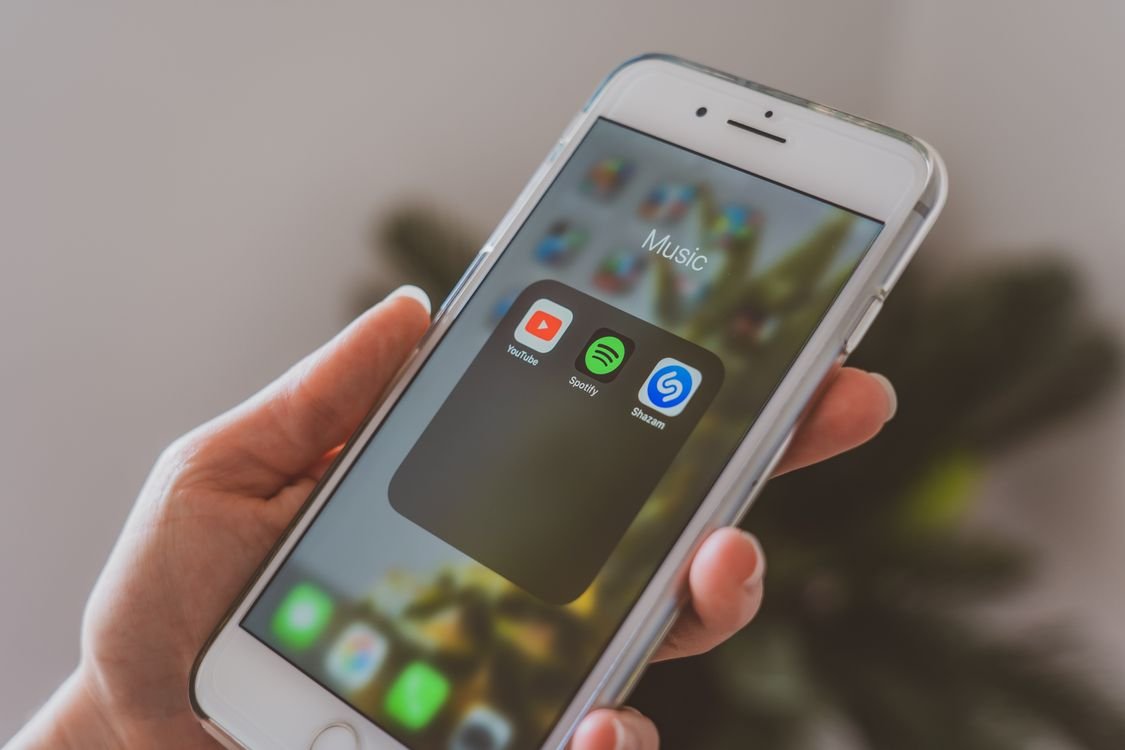
Spotify Free remains the most popular free music app for good reason. Its catalog is enormous, its playlists are excellent, and its recommendation system learns your taste quickly. On a computer, you can often play specific songs on demand. On a phone, the free tier is usually shuffle-based for many playlists and albums, with a limited number of skips per hour, and adverts between songs. You can still create playlists, follow artists, and discover new music through weekly playlists and daily mixes.
Spotify is a strong choice if you want mainstream music, good discovery, and an app that works well on phones, computers, smart speakers, and cars. It is less ideal if you insist on playing any song on demand on your phone without paying, or if you want high-resolution audio, which remains a paid feature. For many listeners, the free tier is enough for daily listening, commuting, and background music at work.
YouTube Music Free: Music Videos and More
YouTube Music Free is built on the vast YouTube catalog, which means it includes official songs, live performances, covers, remixes, and music videos that other services may not have. If you already watch music on YouTube, this app feels familiar, and its recommendations draw on what you watch as well as what you listen to. The free tier includes adverts and does not allow background play on a phone without a paid upgrade, which is an important limitation if you like to listen while using other apps or with your screen off.
That said, YouTube Music Free is excellent for discovery, for watching videos, and for finding rare or live versions of songs. It is a good second app to keep alongside another free service, especially if you enjoy exploring music visually or following artists who publish a lot of video content.
Amazon Music, Apple Music, and Other Mainstream Options
Amazon Music offers a limited free tier for some users, with curated playlists and stations, while its full on-demand catalog requires a subscription or a Prime membership. It is worth checking if you already use Amazon devices, because voice control with Alexa can make it convenient at home. Apple Music does not have a permanent free tier in the same way, although it often offers free trials for new users. If you use an iPhone, Apple Music integrates beautifully, but it is not the best choice if your goal is to avoid paying altogether.
Other services, such as Deezer and Pandora, offer free tiers that vary by country. Pandora’s free tier is radio-style, which means you choose a station or artist and the service plays similar music, rather than letting you play every song on demand. That can be perfect for background listening and discovery, and frustrating if you want a specific album in order. Deezer’s free tier is similar to Spotify’s in many regions, with shuffle play and adverts on mobile.
SoundCloud and Bandcamp: Independent and Emerging Music
If you love independent artists, remixes, DJ sets, and music you will not hear on mainstream radio, SoundCloud is essential. Its free tier lets you stream a huge amount of user-uploaded music, follow emerging artists, and discover genres from around the world. The catalog is different from a major streaming service: you may not find every chart album, but you will find demos, mixtapes, and experimental tracks that exist nowhere else.
Bandcamp is another favorite for independent music lovers. You can stream many albums for free, often in full, before deciding whether to buy them to support the artist directly. Bandcamp’s editorial features, fan collections, and artist pages make it feel more like a community than a jukebox. If supporting musicians directly matters to you, Bandcamp deserves a place on your phone even if you use another app for everyday listening.
Free Radio and Podcast Apps
Do not overlook radio apps. Services such as TuneIn and iHeartRadio let you listen to live radio stations from around the world, including news, sport, talk, and music stations, usually for free with adverts. Radio is ideal when you do not want to choose every song, when you want local news and presenters, or when you are driving and need hands-free listening.
Many music apps also include podcasts, but dedicated podcast apps can offer a better experience for spoken content, with features such as speed control, chapter markers, and offline downloads. If podcasts are a large part of your listening, consider pairing a free music app with a free podcast app, rather than expecting one app to do both jobs perfectly.
Audio Quality, Data, and Offline Listening
Free tiers usually stream at standard quality, which sounds fine on phone speakers, earbuds, and in a car, but may not satisfy listeners with high-end headphones. Paid tiers often offer higher bitrates and lossless audio, but the difference is subtle for most people and depends on your headphones, your hearing, and your environment. Before paying for better quality, test the free tier with your usual headphones and see whether you actually notice a difference.
Data use is another practical concern. Streaming music for an hour uses roughly 40 to 150 megabytes depending on quality, which adds up on a limited mobile plan. Most apps let you lower streaming quality on mobile data, and many let you download music for offline listening only on paid plans. If you commute through areas with poor signal, a radio app or a downloaded podcast may be more reliable than streaming, and you should check each app’s data settings before a long journey.
How to Choose the Right Free Music App for You
Start by asking how you listen. If you want specific songs on demand on your phone, a shuffle-based free tier will frustrate you, and you may prefer an app with a stronger desktop experience, a radio-style service, or a free trial of a paid service. If you are happy to shuffle playlists, discover new music, and listen in the background, Spotify Free, Deezer Free, or a radio app will likely satisfy you without costing anything.
Next, check your devices. An app that works well on your phone, your computer, your smart speaker, and your car will get far more use than one that only works well in one place. Test the app for a week with your real listening habits: your commute, your workout, your study session, and your evening wind-down. Pay attention to advert frequency, skip limits, and whether the app keeps playing reliably in the background.
Finally, consider your privacy and account settings. Free apps collect listening data to personalize recommendations and adverts. Review the privacy settings, turn off data sharing you are not comfortable with, and avoid signing up with social media accounts if you prefer to keep your listening separate. You can enjoy free music without giving an app access to your contacts or your full social profile.
For more free tools to organize your digital life, visit the TechInsures Tools hub and explore the free utilities listed there.
Tips to Get More From a Free Tier
You can improve a free tier a lot with a few habits. Create playlists for different moods and activities, because a well-made playlist reduces the need for skips. Follow artists and like songs you enjoy, because that trains the recommendation system faster. Use the desktop or web version when you want more control, and use the mobile app for shuffle listening on the go. If adverts bother you, listen in longer sessions rather than short bursts, or switch to a radio station during advert breaks.
Be careful with free trials. Many apps offer one month free of a paid plan, which is a great way to test premium features, but set a reminder to cancel before the trial ends if you do not want to pay. Check whether the trial requires payment details, and read the cancellation steps before you sign up, so you are not surprised by a charge.
Conclusion
The best free music apps in 2026 are not a compromise; they are a genuinely good way to enjoy music every day. Spotify Free is the best all-round starting point, YouTube Music Free is great for videos and rare tracks, SoundCloud and Bandcamp are essential for independent music, and radio apps are perfect for hands-free, low-effort listening. Try two or three apps for a week each, keep the one that matches how you actually listen, and do not feel pressured to pay unless a premium feature, such as offline downloads or background play, truly improves your daily routine. Great music does not have to come with a monthly bill.