
What is a QR code? A QR code is a square pattern of black and white blocks that your phone can read with its camera, and it can take you to a website, show you a menu, let you pay for something, or share Wi-Fi details, all without typing anything. You have probably seen QR codes on posters, on restaurant tables, on tickets, and on packaging, and you may have scanned one without thinking about how it works. In this guide, we explain what a QR code is, how it works, what it can do, and how to use it safely.
What Is a QR Code?
What is a QR code, in simple terms? QR stands for Quick Response, and a QR code is a type of barcode that can store far more information than the thin barcodes you see on products in a shop. A traditional barcode can only store a number, such as a product code, while a QR code can store a web address, a piece of text, a phone number, an email address, Wi-Fi details, or payment information. It was invented in Japan in 1994, by a company called Denso Wave, to track car parts in a factory, and it was designed to be read quickly, even if part of it was damaged or dirty. Today, QR codes are used all over the world, in shops, restaurants, transport, healthcare, and marketing. They are free to create, they are easy to print, and they can be read by almost any modern smartphone, simply by pointing the camera at them. A QR code looks like a square made of small black and white squares, with three larger squares in the corners, which help your phone work out which way up the code is and where it starts. Inside the square, the pattern of black and white blocks represents the data, and your phone’s camera turns that pattern back into text or a web address.
How Does a QR Code Work?
A QR code works by turning information into a pattern that a camera can read. When a QR code is created, the information, such as a web address, is converted into a series of black and white squares, using a set of rules that your phone knows how to reverse. When you point your phone’s camera at a QR code, the phone finds the three large squares in the corners, works out the size and orientation of the code, and then reads the pattern of small squares. It turns that pattern back into the original information, and it shows you what it found, usually a web address, and asks you whether you want to open it. The process takes less than a second, and it works even if the code is small, if it is printed on a curved surface, or if part of it is damaged, because QR codes include error correction. Error correction means that part of the code is used to store extra information that can be used to reconstruct the data if some of it is missing or unreadable. A QR code with high error correction can still be read if up to thirty percent of it is damaged or covered up, which is why you often see QR codes with a logo in the middle. They can also be read from a distance, in low light, and at an angle, although they work best when you hold your phone steady and close enough for the camera to see the whole code clearly.
How to Scan a QR Code
Scanning a QR code is easy, and you do not need a special app on most modern phones. On an iPhone, open the Camera app and point it at the QR code. A notification will appear at the top of the screen, showing the web address or the action, and you can tap it to open it. On an Android phone, open the Camera app and point it at the code in the same way. If your camera does not recognise the code, you can use Google Lens, which is built into many Android phones, or you can download a free QR code scanner app. Some phones also let you scan a QR code from a photo in your gallery, which is useful if someone sends you a QR code in a message or an email. To scan a code, hold your phone steady, make sure the whole code is in the frame, and wait for a second or two. If it does not work, try moving closer or further away, cleaning your camera lens, or making the screen brighter if the code is on a phone screen. If the code is on a poster or a sign, try standing directly in front of it, rather than at an angle. Once you have scanned a code, check the web address before you tap it, especially if the code was in a public place, because a QR code can link to any website, including a fake or malicious one.
What Can You Use a QR Code For?
QR codes can be used for many different things, and new uses appear all the time. The most common use is to link to a website, such as a restaurant menu, a product page, or a ticket booking page. Restaurants often put a QR code on the table, so you can see the menu and order without touching a paper menu. Shops use QR codes to link to product information, reviews, and discounts. Transport companies use them on tickets, so you can show your ticket on your phone instead of printing it. You can also use a QR code to pay for something, by scanning a code at a till or on a bill, which takes you to a payment page. QR codes can share Wi-Fi details, so a guest can join your Wi-Fi network without typing in a long password. They can share contact details, so someone can save your phone number and email address by scanning a code on your business card. They can be used for two-factor authentication, where you scan a code to set up an authenticator app, and they can be used in healthcare, to link to a patient’s records or to a vaccination certificate. Because a QR code can store any short piece of text, it can be used for almost anything that needs to be shared quickly and without typing.
How to Create Your Own QR Code
Creating your own QR code is free and easy, and you can do it in a few minutes. There are many free QR code generators online, including well-known sites that let you create a code for a web address, a piece of text, a phone number, or Wi-Fi details. To create a code, choose the type of information you want to store, enter the information, and click Generate. The website will create a QR code image, which you can download and print, or share digitally. Before you use a QR code generator, check that it is a reputable site, and be careful about entering sensitive information, such as a password, because the generator may store what you enter. If you are creating a QR code for a business, consider using a dynamic QR code, which lets you change the web address it links to without printing a new code, and which can track how many people scan it. A static QR code, by contrast, always links to the same information, and it cannot be changed once it is printed. Test your QR code before you print it, by scanning it with your phone, and make sure it is large enough to be read from the distance where people will scan it. A code that is too small, or printed in low contrast, may not work, especially in low light.
Are QR Codes Safe?
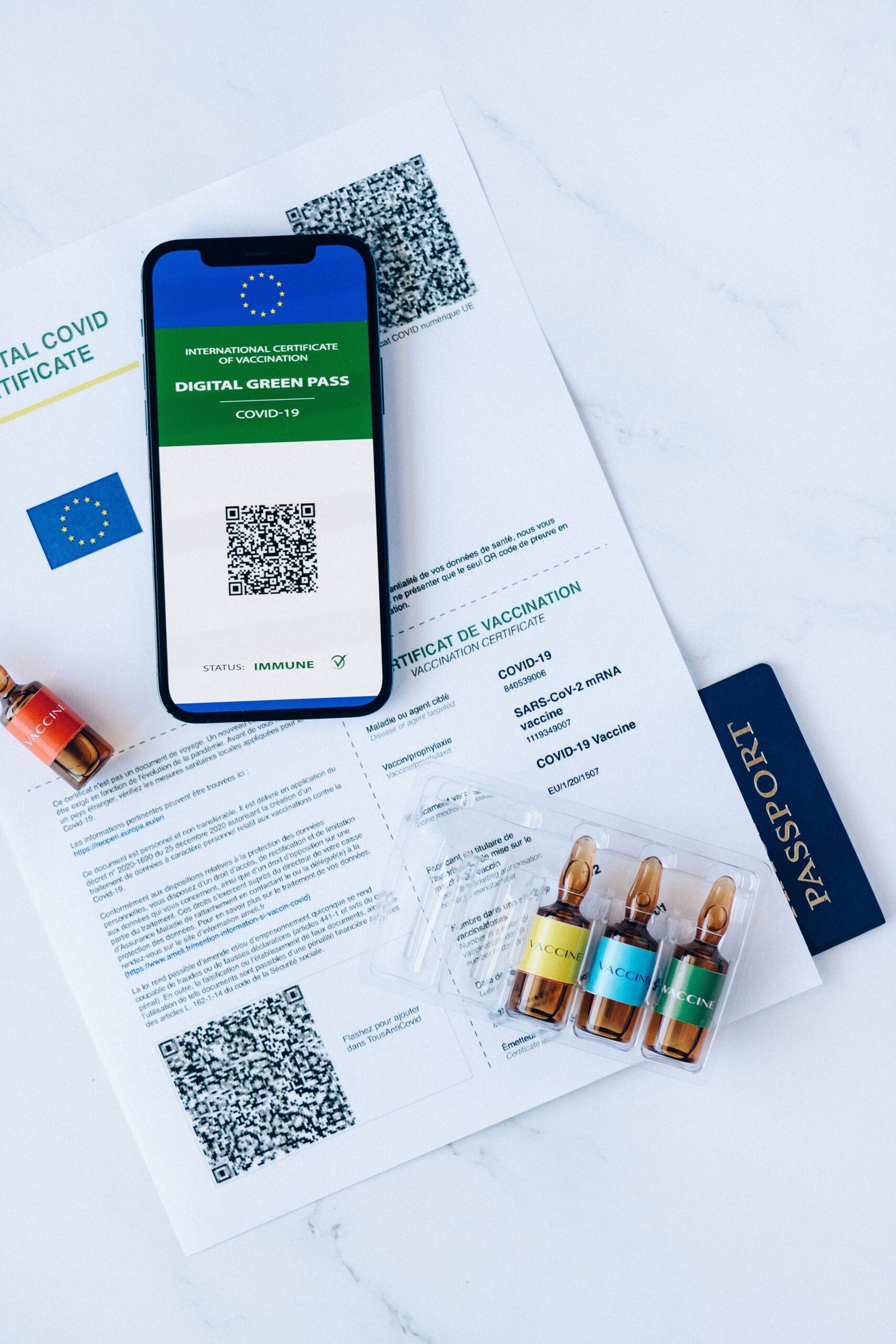
QR codes are generally safe, but they can be used by scammers, and you should be careful about the codes you scan. The main risk is that a QR code can link to any website, and you cannot tell where it goes just by looking at it. A scammer can put a fake QR code over a real one, for example on a parking meter or a restaurant table, and it can take you to a fake website that asks for your payment details or your password. This is sometimes called quishing, which is phishing using a QR code. To stay safe, only scan QR codes from sources you trust, and check the web address before you tap on it. If the address looks strange, if it asks you to download an app, or if it asks for your password or your payment details, do not continue. Be especially careful with QR codes in public places, such as car parks, posters, and flyers, because anyone can print a QR code and stick it over a real one. If you receive a QR code in an email or a message, be careful, because it may be a phishing attempt. Our guides on how to tell if a website is safe and how to spot a phishing email before you click will help you check a website or a message before you trust it. You should also keep your phone updated, because updates often fix security problems that scammers exploit.
QR Codes vs Barcodes
QR codes and barcodes are both ways of storing information in a pattern that a machine can read, but they are very different in what they can do. A barcode, such as the one on a product in a shop, can only store a small amount of information, usually a number, and it can only be read in one direction. A QR code can store far more information, up to several thousand characters, and it can be read from any angle, even if part of it is damaged. Barcodes are still used in shops, warehouses, and libraries, because they are cheap, simple, and good at storing a product code. QR codes are used where more information is needed, or where a person needs to read the code with a phone, rather than with a specialist scanner. QR codes are also easier to create and to print, because you can generate one for free online, while a barcode usually needs to be registered with a central system. In the future, QR codes may replace barcodes in some places, and some shops are already testing QR codes on products, because they can link to more information, such as ingredients, allergens, and recycling instructions. For now, both will continue to be used, because they are good at different jobs.
Conclusion
What is a QR code? It is a square pattern of black and white blocks that stores information, such as a web address, and lets your phone read it with its camera in less than a second. It was invented to track car parts, and it is now used for menus, tickets, payments, Wi-Fi, and many other things, because it is fast, free, and easy to use. To use a QR code safely, scan it with your phone’s camera, check the web address before you tap it, and be careful with codes in public places or in unexpected emails. With those simple precautions, a QR code is a quick and convenient way to get information, to pay, and to share details without typing.
Frequently Asked Questions
What is a QR code used for?
A QR code is used to share information quickly, such as a web address, a menu, a ticket, a payment link, or Wi-Fi details, without typing. You scan it with your phone’s camera, and it takes you to the information or the action.
Do I need an app to scan a QR code?
No, most modern phones can scan a QR code with the built-in Camera app. Open the camera, point it at the code, and tap the notification that appears. If your camera does not work, you can use Google Lens or a free QR code scanner app.
Can a QR code be dangerous?
A QR code itself is not dangerous, but it can link to a fake or malicious website. Only scan codes from sources you trust, check the web address before you tap it, and do not enter your password or payment details on a site you reached through a QR code unless you are sure it is genuine.
How do I create a QR code for free?
You can create a QR code for free using an online QR code generator. Choose the type of information, enter it, and download the code image. Test it with your phone before you print it or share it.
What does QR stand for?
QR stands for Quick Response. It was named because the code was designed to be read very quickly, even if part of it was damaged, which was important for tracking parts in a factory.